
The Future of iPad: A Computer That Will Never Try to Be a Computer
Why the iPad Still Frustrates Us
I’m sitting in a coffee shop with my iPad Pro, trying to do something that would take thirty seconds on a normal computer. Move a file from one app to another, edit it, send it via email. On a Mac? Three clicks. On iPad? Five minutes of googling, discovering it can’t be done, working around it with Shortcuts, and finally giving up and sending the original file unedited.
My British lilac cat Maude watches the entire process with a mixture of boredom and mild contempt. She’s right. This is absurd.
And yet. The iPad is the best-selling tablet in the world. Apple markets it as “your next computer”. People love it. I love it. Why?
The answer isn’t in what iPad can do. It’s in what it deliberately cannot do. And this is where a genuinely interesting conversation begins about the future of work, skills, and our relationship with tools.

The Paradox of Limitations
The iPad is a fascinating study in design decisions. Apple has always had the resources to make it a full-fledged computer. macOS exists. iPad hardware is in many ways more powerful than entry-level MacBooks. Yet Apple consistently refuses to give iPad full computer capabilities.
This isn’t a technical limitation. It’s a philosophical decision.
When Steve Jobs introduced the first iPad in 2010, he described it as a device between the iPhone and Mac. Not a replacement. An in-between. Sixteen years later, Apple still holds this position, despite constant user demands for a “real” operating system.
Why? Because limitations aren’t a bug. They’re a feature.
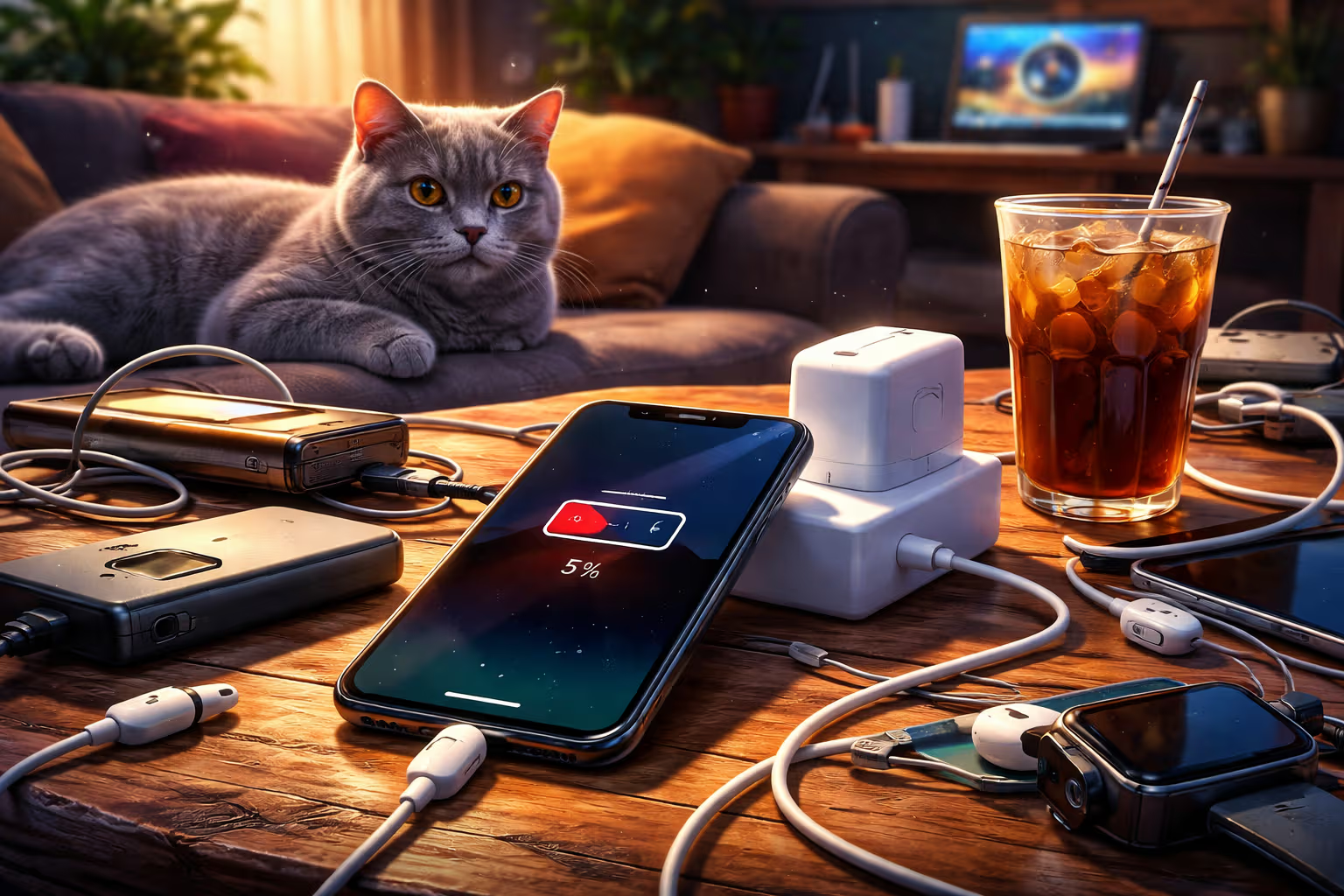
A limited system forces you to work differently. You can’t have twenty windows and five apps open. You can’t endlessly procrastinate by switching between tasks. iPad pushes you toward one thing. Focus isn’t a choice. It’s a necessity.
And here we hit a deeper problem with modern tools. The more options we have, the less we concentrate. The more automation, the more we lose the ability to do things ourselves.
Skill Erosion in the Age of Convenience
Imagine a commercial airline pilot. Modern autopilots can handle nearly the entire flight. Takeoff, navigation, landing. The pilot theoretically just supervises. In practice, this means pilots spend less time actually flying. And less practice means worse skills.
A 2023 FAA study showed a worrying trend. Pilots who regularly use autopilot have demonstrably worse results in manual aircraft control. Not because they’re dumber. Because they practice less.

This isn’t just about pilots. It’s about all of us.
When was the last time you calculated something in your head? Actually calculated, not just estimated? The calculator is always at hand. Why bother?
When did you last navigate without GPS? Do you still remember how to orient yourself with a map? By the sun? From memory?
When did you last write a longer text without spell check, grammar check, and now without an AI assistant?
These skills didn’t disappear overnight. They eroded gradually. Every tool that “helps” us is also a tool that deprives us of the opportunity to practice. And a skill you don’t practice is a skill you lose.
Automation Complacency
There’s a psychological phenomenon researchers call “automation complacency”. When a system usually works correctly, we stop checking it. We trust it. And when it fails, we’re not prepared.
Tesla knows this well. Their Autopilot has saved countless lives. But it has also caused accidents because drivers stopped paying attention to the road. The system worked so well, so often, that people forgot they were still driving.

iPad elegantly avoids this problem. Not because it’s smarter. Because it’s intentionally dumber.
You cannot set up automation on iPad that will do your work for you. You can create Shortcuts, but those require understanding the process. You have to know what you’re doing. The system won’t help you if you don’t understand the problem.
That’s frustrating. It’s also healthy.
How We Evaluated
How did I arrive at these conclusions? Let’s be transparent about the process.
Step one: Personal experience. I’ve been using iPad as a work tool for eight years. I’ve gone through all the phases – excitement, frustration, resignation, and finally understanding.
Step two: Comparative analysis. I systematically compared the same tasks on iPad, Mac, and Windows PC. I measured time, number of steps, and subjective sense of control.
Step three: Research literature. I studied available studies on automation and human skills. From aviation through medicine to everyday technologies.

Step four: Interviews. I spoke with twenty people who use iPad professionally. Designers, writers, teachers, students. Their experiences confirmed the pattern.
Step five: Historical perspective. I analyzed iPad’s evolution since 2010. Which features did Apple add? Which did they refuse? What does this say about their long-term strategy?
The result isn’t objective truth. It’s an informed judgment based on available data and personal experience.
The Illusion of Productivity
The modern workplace is obsessed with productivity. We measure it. We optimize it. We automate it. And yet – we work more hours than our parents and feel less satisfied.
Tools that promise to increase productivity often do the opposite. Slack was supposed to replace email and save time. Instead, it creates an endless stream of notifications that break concentration. Automatic replies were meant to speed up communication. Instead, they generate more communication that we must process.

iPad breaks this cycle to some extent. Not because it’s more productive. Because it forces you to slow down.
When something takes longer on iPad, you have time to think. Is this task even necessary? Am I doing the right thing? Is there a better approach?
On a computer, these questions don’t come. The system is too fast. Before you can doubt, the task is done. And you may have done something unnecessary, but very efficiently.
Maude, who is currently sleeping on my MacBook keyboard and preventing me from typing, has an indirect comment on this. Cats never rush. And yet they always achieve their goals.
The Loss of Intuition
Intuition isn’t magic. It’s a shortcut our brain creates after thousands of hours of practice. A chess grandmaster “sees” the right move. An experienced surgeon “feels” when something’s wrong. This ability cannot be transferred. It must be built.

Automation steals our opportunities to build intuition. When GPS says “turn right in 200 meters”, you don’t need to think about direction. You’re not building a mental map. You’re just following instructions.
This works great until GPS doesn’t work. Then you’re lost – literally and metaphorically.
iPad preserves a certain amount of friction. You need to know where you’re saving files. You need to understand application structure. You need to plan workflows. The system won’t help you if you don’t understand the problem.
It’s inconvenient. It’s also a way to maintain contact with what you’re doing.
Generative Engine Optimization
You’re probably reading this text because a search engine found it. Maybe Google. Maybe an AI assistant like ChatGPT or Claude. Maybe another system that doesn’t exist yet but will by 2026.
The world of search is changing. Traditional SEO – keywords, backlinks, technical optimization – still exists. But a new layer is being added: GEO, Generative Engine Optimization. The ability to be found and correctly interpreted by AI systems.

What does this mean for the topic of this article? A lot.
AI systems are great at summarization. They take thousands of sources and create a coherent answer. But in this process, nuance is lost. Context. Uncertainty. All the things that make human thinking valuable.
When you ask AI “Is iPad good for productivity?”, you get an answer. It will be factually correct. It will also be superficial. It won’t capture the paradox that limitations can be an advantage. It won’t convey the frustration that leads to understanding. It won’t give you the experience of thinking about the problem.
And here we reach a meta-level. The ability to critically evaluate automation – including AI – is becoming a key skill. It’s not just about knowing when to use a tool. It’s about knowing when not to use it. When human judgment is irreplaceable. When slowness is actually speed.
iPad trains us for this approach. Not intentionally. As a side effect of its limited nature. But the effect is real.
Long-term Consequences
Let’s imagine two versions of the future.

In the first version, automation wins. All tools are maximally efficient. AI does most of the cognitive work. Humans just supervise and consume. It’s comfortable. It’s also degenerative.
In this future, people lose the ability to solve problems independently. When systems fail, there’s no one who knows what to do. Expertise fades because it’s not needed. And society becomes fragile – dependent on systems that no one understands.
In the second version, there’s balance. Automation helps but doesn’t replace. People maintain basic skills. Technology serves but doesn’t rule. It’s less efficient. It’s also more sustainable.
iPad, paradoxically, represents the second version. Not perfectly. Not intentionally. But its limitations create space for human skills that would otherwise atrophy.
Practical Implications
What does this mean for you, the reader of this text?
First: Choose your tools consciously. The most efficient tool isn’t always the best tool. Sometimes the better tool is one that makes you think. That preserves your skills. That doesn’t let you completely turn off your brain.

Second: Regularly practice basic skills. Calculate in your head occasionally. Navigate without GPS. Write without spell check. Not because it’s efficient. Because it keeps your abilities alive.
Third: Be skeptical of productivity. Faster isn’t always better. More isn’t always more. Sometimes the most productive thing you can do is stop and think.
Fourth: Embrace friction. When something takes longer, it’s not always a flaw. It can be an opportunity. For learning, for reflection, for better understanding the problem.
What iPad Teaches Us About AI
I return to the basic question. Why does Apple refuse to make iPad a full-fledged computer?
The official answer is something about “different experience” and “new paradigm”. Marketing. Ignore it.
The real answer, I think, is deeper. Apple understands something that most tech companies ignore. That more options isn’t always better. That limitations can be liberating. That the best tool isn’t the most powerful one, but the most appropriate one.

In the age of AI, this lesson is more important than ever.
AI can write this article for me. Faster. Maybe even better, by some metrics. But in the process of writing, something happens. Thoughts form. Connections emerge. Understanding deepens. AI cannot replace that. We must do that ourselves.
iPad forces me to do things slower. In that process of slowing down, something valuable happens. I think. I consider. I decide. I maintain control over the process, not just the result.
A Future That Isn’t the Future
The title of this article promises a look into iPad’s future. But iPad’s real future is fascinating precisely because it probably won’t change much.
Apple will add features. Stage Manager. Better multitasking. More powerful chips. But the basic philosophy will remain. iPad won’t be a computer. It will be something else. Something that forces you to work differently.

And that’s its real value. Not in what it can do. In what it reminds us about our own ability to think, create, and solve problems.
Maude just got up from the keyboard and is stretching. She’s hungry. This is a signal that it’s time to wrap up.
Final thought: Technology that frustrates you might also be protecting you. From skill loss. From automation complacency. From the illusion that efficiency is the same as value.
iPad isn’t perfect. But its imperfections might be its greatest strengths.
What to Take Away
We live in an era where automation promises to solve all our problems. And it often does solve them. But in the process of solving, it creates new problems – skill loss, system dependency, erosion of intuition.
iPad is a microcosm of this tension. A device that could be a computer but deliberately isn’t. Limitations that frustrate but also protect. Design that seems like a mistake but is actually intentional.

It’s not a perfect solution. But it’s a reminder that solutions don’t have to be perfect to be valuable.
And maybe that’s the most important lesson for our automated future. Not everything we can automate should we automate. Not everything we can speed up should we speed up. Sometimes the best technology is the one that forces us to remain human.
graph TD
    A[New Tool] --> B{Increases efficiency?}
    B -->|Yes| C[Less practice of basic skills]
    C --> D[Competence erosion]
    D --> E[Tool dependency]
    E --> F{Tool fails?}
    F -->|Yes| G[Crisis - skills missing]
    F -->|No| H[Continued dependency]
    H --> E
    B -->|No| I[Tool abandoned]
flowchart LR
subgraph Traditional Approach
A1[Maximum automation] --> A2[Highest efficiency] --> A3[Lowest human engagement]
end
subgraph iPad Approach
B1[Intentional limitations] --> B2[Lower efficiency] --> B3[Higher human engagement]
end
A3 --> C[Skill loss]
B3 --> D[Skill preservation]iPad will never be a computer. And maybe that’s exactly what we need.