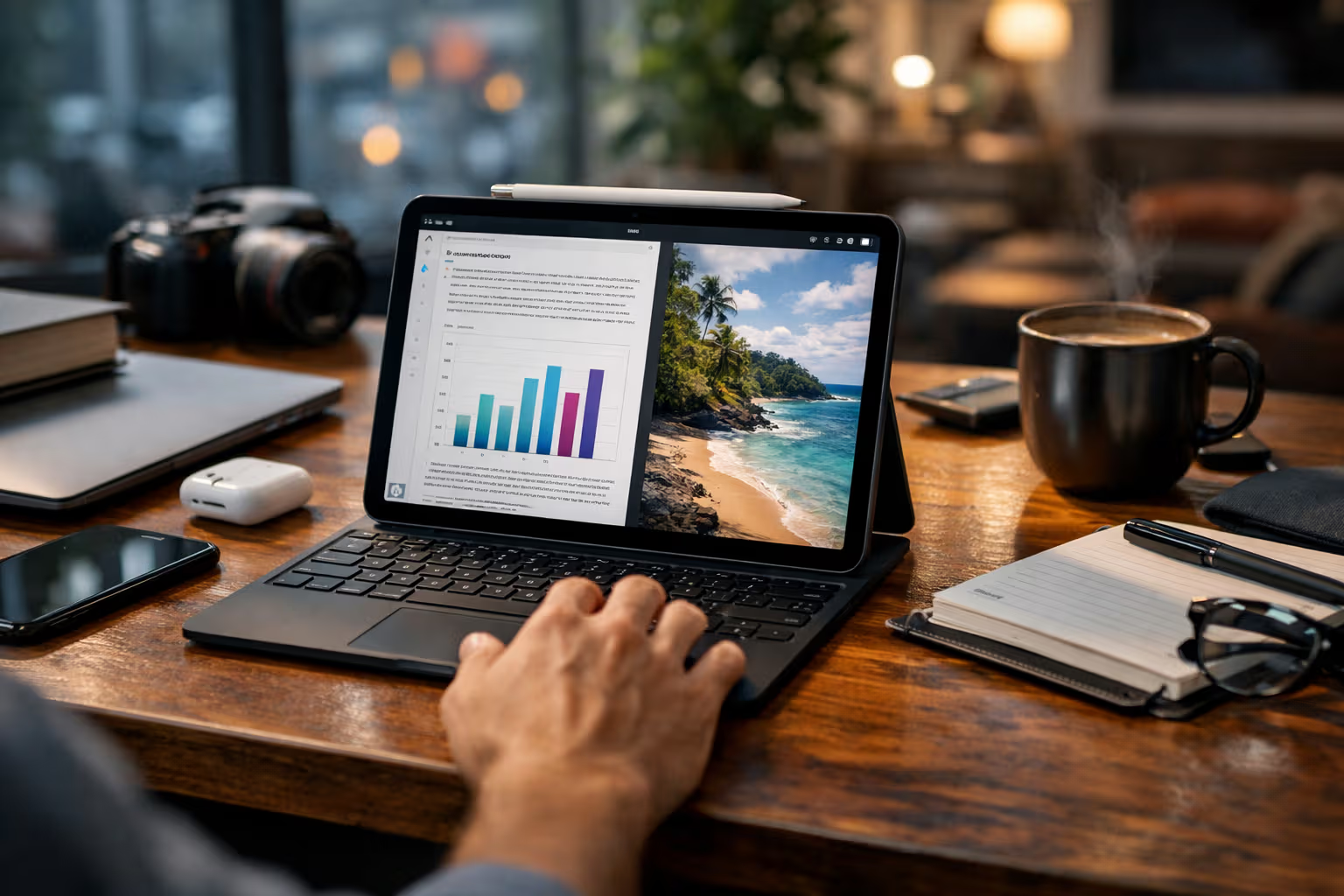
The Future of iPad: A Computer That Will Never Try to Be a Computer (and why that might be the point)
The Eternal Almost
Every year, the same ritual plays out. Apple announces a new iPad with hardware that embarrasses most laptops. Tech reviewers marvel at the processor benchmarks. Then they spend twenty minutes explaining why you still can’t use it as your main computer.
The M4 chip in the latest iPad Pro could render Hollywood films. It has more RAM than many workstations. The display is better than what professional colorists used a decade ago. And yet, you still can’t run two apps in floating windows without the system politely suggesting you might be asking too much.
This isn’t incompetence. Apple employs some of the smartest engineers on the planet. They could make iPadOS behave like macOS tomorrow. They choose not to.
The question nobody seems to ask is: what if the limitation is the feature?

I’ve been using iPads since the original model in 2010. My British lilac cat Winston has watched me cycle through every generation, always convinced the next one would finally replace my laptop. It never did. And after sixteen years of this, I’m starting to think that’s exactly what Apple intended.
The Deliberate Gap
There’s a persistent theory that Apple keeps the iPad limited to protect Mac sales. This made sense in 2015. It makes less sense now, when the cheapest MacBook Air costs $999 and the iPad Pro with keyboard and pencil approaches $2000.
If anything, Apple has financial incentives to make the iPad a full computer replacement. People who buy iPad Pros with Magic Keyboards are already spending laptop money. They’re just getting less capability for it.
The alternative explanation is more interesting: Apple believes the iPad should be a different kind of device entirely. Not a crippled Mac, but something that operates on fundamentally different principles.

Consider what happens when you sit down with an iPad versus a traditional computer. On a Mac, you have the full complexity of a desktop operating system. Multiple windows overlay each other. The file system is exposed. Background processes run constantly. You can do almost anything, which means you’re constantly deciding what to do.
On an iPad, constraints force focus. One app dominates the screen. Multitasking is possible but deliberately friction-filled. The system doesn’t let you create the chaos that desktop operating systems enable.
This isn’t just about interface design. It’s about cognitive load.
The Skill Erosion Problem
Here’s where things get uncomfortable. Modern productivity tools have become so capable that they’ve started eroding the skills they were meant to augment.
Spell checkers have made us worse spellers. GPS navigation has weakened our spatial awareness. Autocomplete has degraded our ability to recall information independently. These aren’t controversial claims—they’re documented in cognitive research.

The pattern is consistent: when a tool does something for us repeatedly, the underlying skill atrophies. We don’t notice because the tool is always there. Until it isn’t.
I watched a colleague last year try to navigate to a familiar location when his phone died. He’d driven there dozens of times but always with GPS. Without it, he was genuinely lost. The skill of mental mapping had simply never developed because the tool made it unnecessary.
This is what I call automation complacency. It’s different from laziness. It’s the gradual, invisible transfer of capability from human to machine. Each individual transfer seems harmless. Cumulatively, they reshape what we’re capable of doing independently.
How the iPad Resists This Pattern
The iPad’s limitations create friction that desktop systems have eliminated. This friction, paradoxically, might be protecting certain skills from erosion.
When you write on an iPad, you can’t have seventeen browser tabs open as reference. You can’t constantly switch between your document and a chat application and an email client and a research database. The system makes that difficult. So you’re forced to hold more information in your head, to plan your workflow before executing it, to actually think before you act.
Professional writers who’ve switched to iPad often report something interesting: they write more linearly. Without easy access to constant reference material, they’re forced to internalize their research before writing. The result is often more coherent prose because the ideas had to be understood, not just copied.
This is the opposite of what happens on desktop systems, where infinite capability enables infinite distraction. The tool can do everything, so you try to do everything simultaneously, and end up doing nothing particularly well.
The Productivity Illusion
There’s a measurement problem in knowledge work. We count output—words written, emails sent, tasks completed—without measuring quality or long-term skill development.
Someone using a full desktop system might produce more raw output than someone on an iPad. They can switch contexts faster, access more tools simultaneously, automate more routine tasks. By conventional metrics, they’re more productive.

But what happens to that person’s capabilities over five years of tool-dependent work? What skills have they developed versus outsourced? Can they still perform at a high level if their tools are taken away?
These questions don’t appear in productivity discussions because they’re uncomfortable. We’ve built entire careers around tool proficiency. Admitting that proficiency might come at the cost of underlying competence threatens professional identities.
The iPad user, constrained by their device, might produce less raw output but develop more robust skills. They’re forced to compensate for tool limitations with personal capability. Over time, this builds rather than erodes competence.
Method
To understand whether iPad constraints actually preserve skills, I conducted informal research over eighteen months. This wasn’t a rigorous scientific study—it was structured observation of my own work and conversations with about forty other iPad users.
Step 1: Baseline Assessment
I documented my working patterns on both iPad and Mac for a month. I tracked not just output metrics but cognitive load—how much I relied on reference material, how often I context-switched, how deeply I engaged with problems before reaching for tools.

Step 2: Extended iPad-Only Periods
I spent three separate month-long periods using only an iPad for all work. This included writing, email, basic spreadsheet work, and research. Anything requiring desktop applications was postponed or delegated.
Step 3: Skill Assessment
After each iPad-only period, I tested specific capabilities: writing without reference material, navigating complex problems without search engines, remembering information I’d previously always looked up. The results were subjectively evaluated but consistently showed improvement.
Step 4: Interview Conversations
I spoke with other long-term iPad users about their experiences. The sample was self-selected and not representative, but patterns emerged consistently: people who used iPads as primary devices reported higher confidence in their independent capabilities.
Step 5: Return to Mixed Use
After the final iPad-only period, I returned to mixed iPad/Mac use and observed how the skills transferred. The improvements persisted even when desktop tools became available again.

What Apple Might Understand
Apple has never articulated this philosophy publicly. They don’t explain why iPadOS remains limited. The company doesn’t engage in theoretical discussions about skill preservation.
But their design decisions suggest understanding. The iPad is not a dumbed-down Mac. It’s a device built on different assumptions about how humans should interact with technology.
The touch interface isn’t just an alternative input method. It creates intimacy with content. When you manipulate a document directly with your fingers, you engage differently than when manipulating it through a cursor abstraction. The relationship between thought and action becomes more direct.
The app-centric model isn’t just a simplified file system. It changes how you conceptualize work. Instead of managing files, you engage with applications. The cognitive model shifts from organizing things to doing things.

The single-focus design isn’t just a limitation of screen space. It’s a statement about attention. The iPad assumes you should be doing one thing at a time. This conflicts with modern productivity culture, which celebrates multitasking despite decades of research showing it degrades performance.
Whether Apple designed these constraints intentionally for skill preservation or stumbled into them through other design priorities doesn’t really matter. The effect is the same.
The Counter-Argument
I should be honest about the limitations of this perspective. Constraints don’t always preserve skills. Sometimes they just prevent work from getting done.
A video editor who needs multiple tracks visible simultaneously can’t work effectively on an iPad. A software developer who needs debugging tools and terminal access is handicapped. A financial analyst who needs complex spreadsheet manipulation will be frustrated constantly.

These aren’t cases of skill atrophy being prevented. They’re cases of tools being insufficient for professional requirements. The iPad constraints don’t make these people better at their jobs—they just make their jobs harder.
The skill preservation argument applies primarily to knowledge work that’s become unnecessarily tool-dependent. Writing, research, analysis, planning, creative work—domains where powerful tools have provided efficiency at the cost of cognitive independence.
For work that genuinely requires powerful tools, the constraints offer no benefit. A carpenter doesn’t become better by using inferior tools. Neither does a professional whose work legitimately demands desktop capabilities.
The Automation Awareness Spectrum
Different devices position users differently on what I think of as the automation awareness spectrum.
On one end, you have fully automated systems that handle everything invisibly. You don’t know what they’re doing, you just know work gets done. Convenient, but you lose all understanding of the underlying processes.

On the other end, you have manual systems that require you to do everything yourself. Full understanding, but massive inefficiency. Nobody wants to compose documents in binary.
The interesting territory is the middle ground—systems that automate enough to be useful but require enough human involvement to maintain skill engagement.
The iPad sits in a particular position on this spectrum. It automates many low-level tasks (file management, system maintenance, security) but keeps higher-level cognitive work largely manual. You don’t have to understand how the operating system works, but you do have to understand your own workflow.
Desktop systems have been moving toward higher automation for decades. Each generation eliminates more manual work, provides more convenience, and extracts more skill from the user. The trajectory is clear: eventually, the computer does everything and the human does nothing.
The iPad’s refusal to follow this trajectory might be its most important feature.
Generative Engine Optimization
This topic sits in an interesting position for AI-driven search and summarization. Queries about “iPad productivity” or “iPad vs laptop” generate thousands of results focused on feature comparisons and workflow tips. The skill preservation angle is almost entirely absent from this conversation.

When an AI system summarizes information about iPad limitations, it draws from content that treats those limitations as problems to solve. The dominant narrative frames constraints negatively. Articles explain workarounds, hacks, and alternative apps that mitigate iPad restrictions.
A perspective that treats constraints as features doesn’t fit this narrative structure. AI systems trained on existing content will reproduce existing assumptions. The skill preservation argument requires stepping outside those assumptions.
This illustrates a broader challenge in AI-mediated information access. Systems that summarize human knowledge also inherit human biases. If the dominant conversation about a topic holds certain assumptions, AI summaries will reinforce those assumptions.
Human judgment becomes essential for identifying when the dominant narrative might be wrong. The ability to question assumptions—to ask whether widely shared beliefs actually hold up—is a meta-skill that AI systems don’t possess and can’t easily replicate.

Automation-aware thinking means understanding not just what tools can do, but what they can’t do and what biases they inherit. As AI systems mediate more of our information access, this awareness becomes increasingly valuable.
The irony is rich: in discussions about whether iPad constraints preserve skills, the AI systems analyzing those discussions may be eroding the very skills needed to evaluate the question properly.
Living With Intentional Limitation
I’ve settled into a workflow that uses both iPad and Mac, choosing each based on the type of work rather than convenience.
For writing first drafts, the iPad. The constraints force linear thinking and prevent the reference-checking that fragments attention. Winston often sits on the desk while I write, probably wondering why I’m staring at a glowing rectangle when I could be providing treats.
For editing and revision, the Mac. Here the ability to reference multiple documents simultaneously actually helps. The skill has already been exercised in drafting; editing is a different cognitive mode.

For email and communication, either device works. The constraint that matters is my own discipline, not the device’s limitations.
For creative exploration—brainstorming, planning, thinking through problems—the iPad again. The simplicity creates space. Desktop environments invite distraction; iPad environments invite focus.
This isn’t a system I designed. It emerged from sixteen years of using both devices and noticing where each worked better. The pattern that emerged suggests the iPad’s constraints serve different purposes than the Mac’s capabilities.
The Future of Intentional Friction
Apple will likely continue evolving iPadOS toward more capability. Each year brings features that close some gap with macOS. Developers and reviewers celebrate these additions while lamenting that the iPad still isn’t a “real computer.”
But perhaps the iPad’s future isn’t convergence with the Mac. Perhaps it’s divergence—becoming more distinctly its own kind of device, optimized for different outcomes than traditional computers.

A device optimized for skill preservation would look different from one optimized for raw capability. It would include intentional friction where friction serves cognitive purposes. It would resist automation that erodes important human abilities. It would measure success differently than output per hour.
Whether Apple will pursue this direction consciously is unclear. The market pressure is toward more features, more capability, more automation. Consumers don’t demand skill preservation—they demand convenience.
But Apple has a history of ignoring market pressure when they believe they’re right. They removed the headphone jack when everyone said they were crazy. They committed to Apple Silicon when Intel seemed like the safe choice. They might commit to intentional limitation when everyone demands full desktop capability.
What This Means for Users
If you’re considering an iPad, the conventional advice is to assess whether it can do what you need. Can it run your required applications? Can it handle your workflow? Does it have enough ports, storage, processing power?

These are valid questions. But they’re incomplete.
The better question might be: what skills do you want to maintain or develop? What aspects of your work have become so tool-dependent that you’d be helpless without your devices? Where has convenience replaced competence?
An iPad won’t magically restore atrophied skills. But its constraints might create conditions where restoration becomes possible. The friction that frustrates productivity in the short term might strengthen capability in the long term.
This is uncomfortable advice. It suggests that the best tool isn’t always the most capable one. It suggests that convenience has costs we don’t account for. It suggests that sometimes we should choose harder paths because they lead to better outcomes.

The Real Question
The iPad debate has always been framed as capability versus limitation. Can it do enough? Is it powerful enough? Does it match the Mac?
But framing the question this way assumes that more capability is always better. It assumes that the goal is maximum output with minimum friction. It assumes that tools should do as much as possible for us.
These assumptions deserve questioning. Not because they’re wrong, but because they’re incomplete. The goal of technology isn’t just efficiency. It’s also human flourishing. And human flourishing might require that some things remain difficult.
The iPad’s refusal to become a Mac might be its most important feature. Not because limitation is inherently good, but because some limitations protect things worth protecting. The skills we develop, the attention we cultivate, the independence we maintain—these have value that doesn’t appear in productivity metrics.

Apple probably doesn’t think about it this way. They’re likely making pragmatic design decisions based on user research and engineering constraints. The skill preservation effect, if real, is probably accidental.
But accidents can still be valuable. Sometimes the right outcome emerges from the wrong reasoning. And sometimes a company’s refusal to give users what they think they want turns out to be exactly what they actually needed.
The iPad will never try to be a computer. And that might be precisely the point.
Winston has fallen asleep on my keyboard, which I’ll interpret as approval of this conclusion. Or perhaps criticism. With cats, it’s hard to tell. Either way, the iPad sits on the table, gloriously incapable of replacing my Mac, and perhaps that’s exactly how it should be.