The Future of Computers Without Keyboards: Voice, Gestures, and Neural Interfaces
I’m typing this on a mechanical keyboard. The switches are Cherry MX Browns, chosen after weeks of research and a brief obsession that my friends found concerning. The tactile feedback is satisfying. The sound is pleasant without being obnoxious. I’ve optimized my typing setup to an unreasonable degree, and I’m quite attached to it.
Which makes me an odd person to write about the death of keyboards. But perhaps that’s exactly why I should. The people most invested in current technology are often best positioned to see its limitations—and to imagine what might replace it.
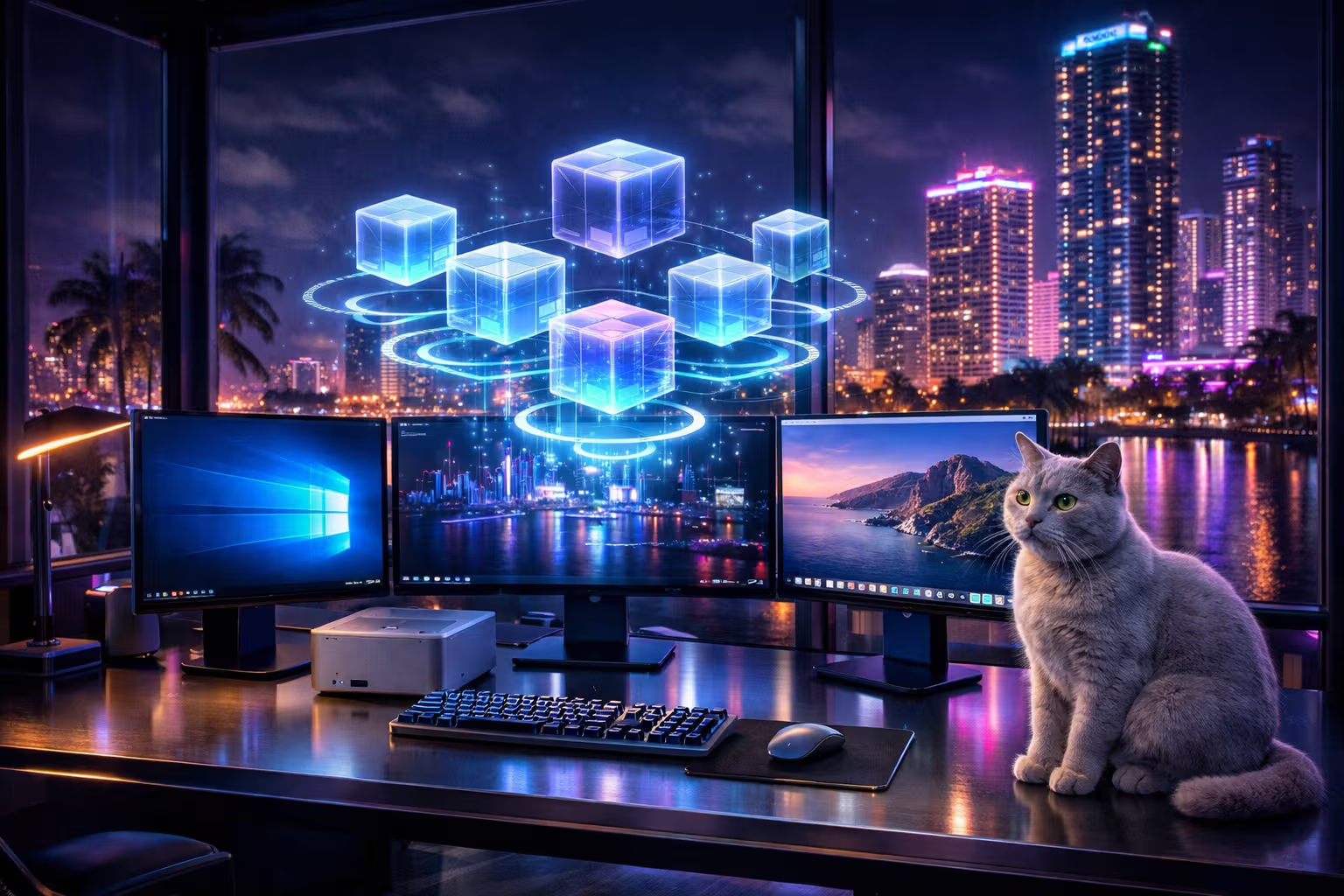
My British lilac cat, Mochi, has never used a keyboard. Her interface with the world is entirely gesture-based: a raised paw means “open the treat cabinet,” a specific meow means “attention required,” and a slow blink means “I acknowledge your existence, human.” She’s mastered multi-modal input without any formal training. Perhaps she’s ahead of the curve.

The keyboard has dominated human-computer interaction for over fifty years. It descended from typewriters, which dominated for a century before that. We’ve been pressing keys to create text for 150 years. That’s a remarkable run, but nothing lasts forever. The question isn’t whether keyboards will be replaced—it’s when, by what, and whether we’ll be ready.
This article explores the three leading candidates: voice interfaces, gesture control, and neural interfaces. Not as science fiction, but as technologies that exist today in various stages of maturity. We’ll look at what works, what doesn’t, and what needs to happen for these technologies to move from novelty to necessity.
The Case Against Keyboards
Before we explore alternatives, let’s acknowledge what we’re trying to improve upon. Keyboards work. They’re reliable, precise, and well-understood. So why replace them?
Physical Limitations
Keyboards require hands. Two of them, ideally, positioned on a flat surface at a specific height and angle. This assumption excludes or disadvantages millions of people with physical differences, injuries, or conditions that affect hand function. Repetitive strain injuries affect an estimated 3-6% of the working population, and that number rises among heavy computer users.
Beyond accessibility, keyboards impose physical constraints on where and how we can work. You can’t type while walking (safely), while lying down (comfortably), or while your hands are otherwise occupied. The keyboard tethers us to specific postures and positions.
Speed Limitations
The fastest typists reach about 200 words per minute. Most professionals type between 40-70 WPM. Meanwhile, we think at roughly 400-800 words per minute and speak at 125-150 WPM. The keyboard is a bottleneck between our thoughts and their digital expression.

This bottleneck has consequences. We self-edit before typing because typing is expensive in time and effort. We write shorter messages than we might otherwise. We structure our thoughts to minimize keystrokes. The medium shapes the message in ways we’ve internalized so thoroughly we no longer notice.
Abstraction Overhead
Keyboards require translating thoughts into a sequence of character positions. This translation is so practiced for experienced users that it feels automatic, but it isn’t—it’s a learned skill that consumes cognitive resources. Those resources could be spent on the actual work if the interface were more direct.
Consider how different writing feels when dictating versus typing. Many writers report that dictation produces different content—often more conversational, more flowing, sometimes better, sometimes worse, but undeniably different. The input method shapes the output.

Environmental Constraints
Keyboards need quiet environments. You can’t type on a call without everyone hearing it. You can’t type in a noisy environment without losing accuracy. Keyboards assume a controlled workspace that doesn’t match how modern work actually happens.
Mochi has just demonstrated an alternative input method by walking across my keyboard, producing “ggggggggg” followed by what appears to be a keyboard shortcut that closed three browser tabs. She’s making a point about the fragility of keyboard input, I think, though her expression suggests she’s just looking for attention.
Voice: The Most Mature Alternative
Voice interfaces have improved dramatically in the past five years. What was once a frustrating novelty is now a genuinely useful tool for specific applications. Let’s examine where voice technology actually stands.

What Works Well
Dictation has reached impressive accuracy rates—over 95% for clear speech in quiet environments with major engines like those from Apple, Google, and OpenAI’s Whisper. For straightforward prose, dictation is now faster than typing for most people.
Voice commands for discrete actions work reliably. “Hey Siri, set a timer” or “Alexa, play music” succeed the vast majority of the time. The limited vocabulary of commands makes recognition easier.
Voice assistants powered by large language models have transformed what’s possible. You can have genuine conversations with AI assistants, describe complex requests in natural language, and receive useful responses. This isn’t the stiff command syntax of early voice interfaces—it’s conversational interaction that feels natural.

What Doesn’t Work
Editing is painful. Voice interfaces excel at creation—getting words down—but struggle with modification. Try dictating “delete the third word of the second paragraph” and watch the system struggle. Keyboards allow precise cursor positioning and character-level editing. Voice interfaces haven’t solved this.
Code is nearly impossible. Programming involves symbols, precise syntax, and structure that voice commands can’t easily express. Saying “open parenthesis, x, comma, y, close parenthesis” is slower and more error-prone than typing “(x, y)”. Programming languages weren’t designed for speech.
Privacy and social constraints limit voice everywhere. You can’t dictate personal emails in open offices. You can’t voice-command your phone on public transit without annoying everyone around you. Voice requires a social context that permits it.

The Current Sweet Spot
Voice works best as a complement to other inputs, not a replacement. I use dictation for first drafts of conversational content. I use voice commands for hands-free control when cooking or driving. I use voice AI for brainstorming and exploration. But I return to the keyboard for editing, coding, and anything requiring precision.
This hybrid approach captures most of voice’s benefits while avoiding its weaknesses. The keyboard isn’t replaced—it’s augmented.
flowchart TD
    A[User Intent] --> B{Task Type}
    B --> C[Long-form Prose]
    B --> D[Commands & Control]
    B --> E[Editing & Precision]
    B --> F[Code & Symbols]
    C --> G[Voice: Highly Effective]
    D --> H[Voice: Effective]
    E --> I[Keyboard: Required]
    F --> J[Keyboard: Required]
    G --> K[Hybrid Workflow]
    H --> K
    I --> K
    J --> K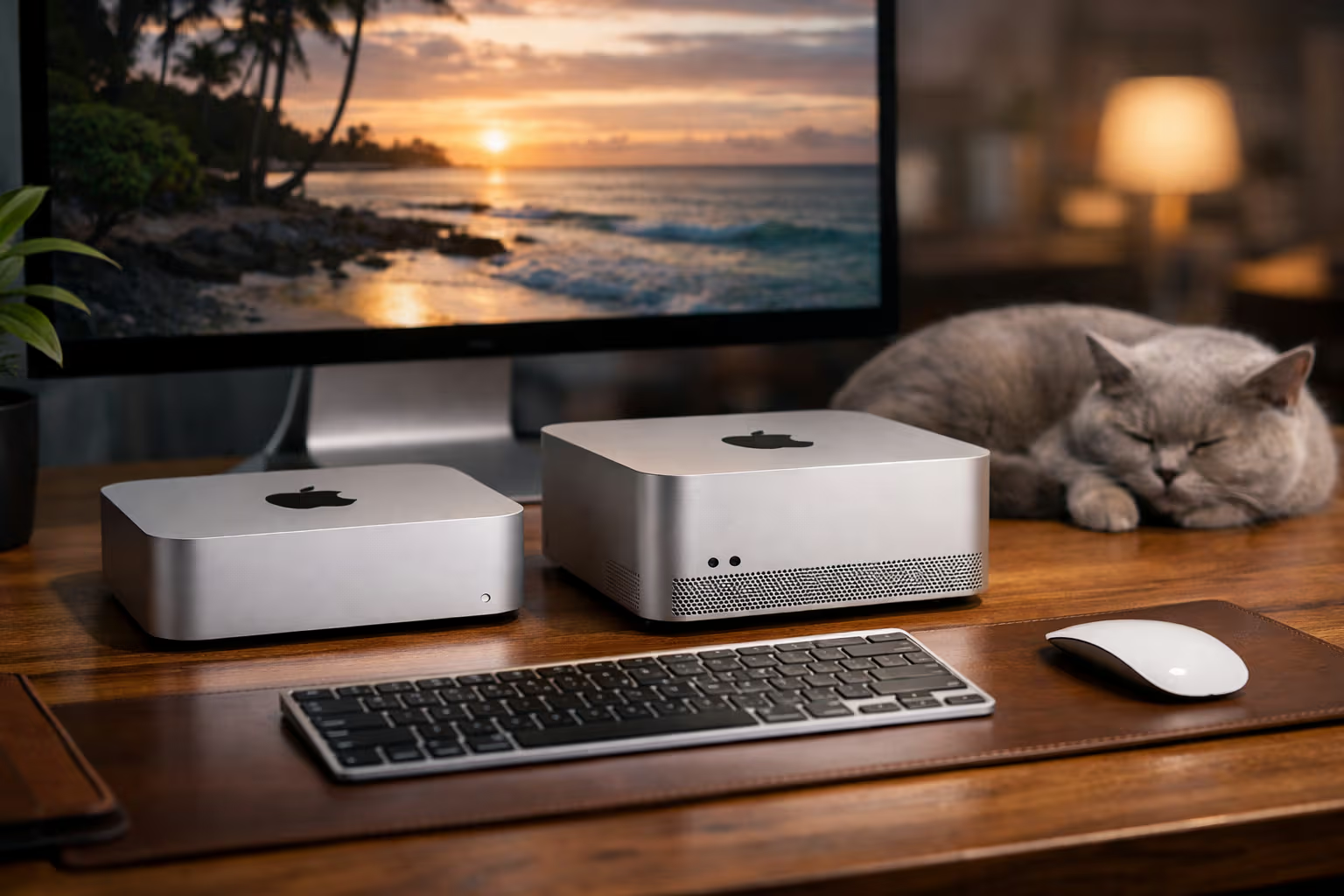
Gestures: The Spatial Promise
Gesture control promises something voice can’t: spatial interaction. Moving objects on screens, sculpting in three dimensions, navigating virtual environments—these tasks map naturally to hand movements in ways they never could to typed commands.
Current State of Gesture Technology
Apple’s Vision Pro brought gesture control to mainstream attention, but the technology has been developing for over a decade. Leap Motion, Kinect, and various research projects have explored gesture input extensively. What have we learned?
Coarse gestures work well. Pointing, grabbing, swiping—these broad movements are reliably recognized by current hardware. You can navigate a spatial interface, select objects, and perform basic manipulations with reasonable accuracy.

Fine gestures remain challenging. Try selecting a specific word in a paragraph of text using hand gestures. Try typing on a virtual keyboard in mid-air. The precision isn’t there yet, limited by both tracking accuracy and the human hand’s instability when unsupported.
Fatigue is a serious problem. Holding your arms in front of you to interact with a computer is exhausting. This “gorilla arm” problem has plagued gesture interfaces since the beginning. Our arms evolved for occasional reaching, not sustained positioning.
Where Gestures Excel
Spatial computing—VR, AR, and mixed reality environments—is gesture’s natural home. When you’re already in a spatial environment, spatial input makes sense. The context justifies the physical demands.

Creative applications benefit from gesture’s expressiveness. Sculpting, painting, music creation—these artistic domains often involve movements that feel constrained when translated to keyboard and mouse. Gesture interfaces can capture nuance that other inputs can’t.
Accessibility for certain conditions improves with gesture. Users who struggle with fine motor control for typing might find gross motor gestures more manageable. The range of possible inputs expands when we’re not limited to finger positions on keys.
The Gap to Mainstream
Gesture control won’t replace keyboards for text-heavy work. The precision deficit is fundamental—our fingers touching physical keys will always be more accurate than our fingers waving in space. But gesture has a clear role in the hybrid future: spatial tasks, creative applications, and environments where keyboards don’t fit.

Mochi is an expert gesturer. She communicates entirely through body language—the slow stretch that means contentment, the twitching tail that means irritation, the direct stare that means “you should be doing something for me right now.” Her gesture vocabulary is limited but expressive. Perhaps human-computer gesture interfaces should aim for similar expressiveness rather than trying to replicate keyboard precision.
Neural Interfaces: The Radical Frontier
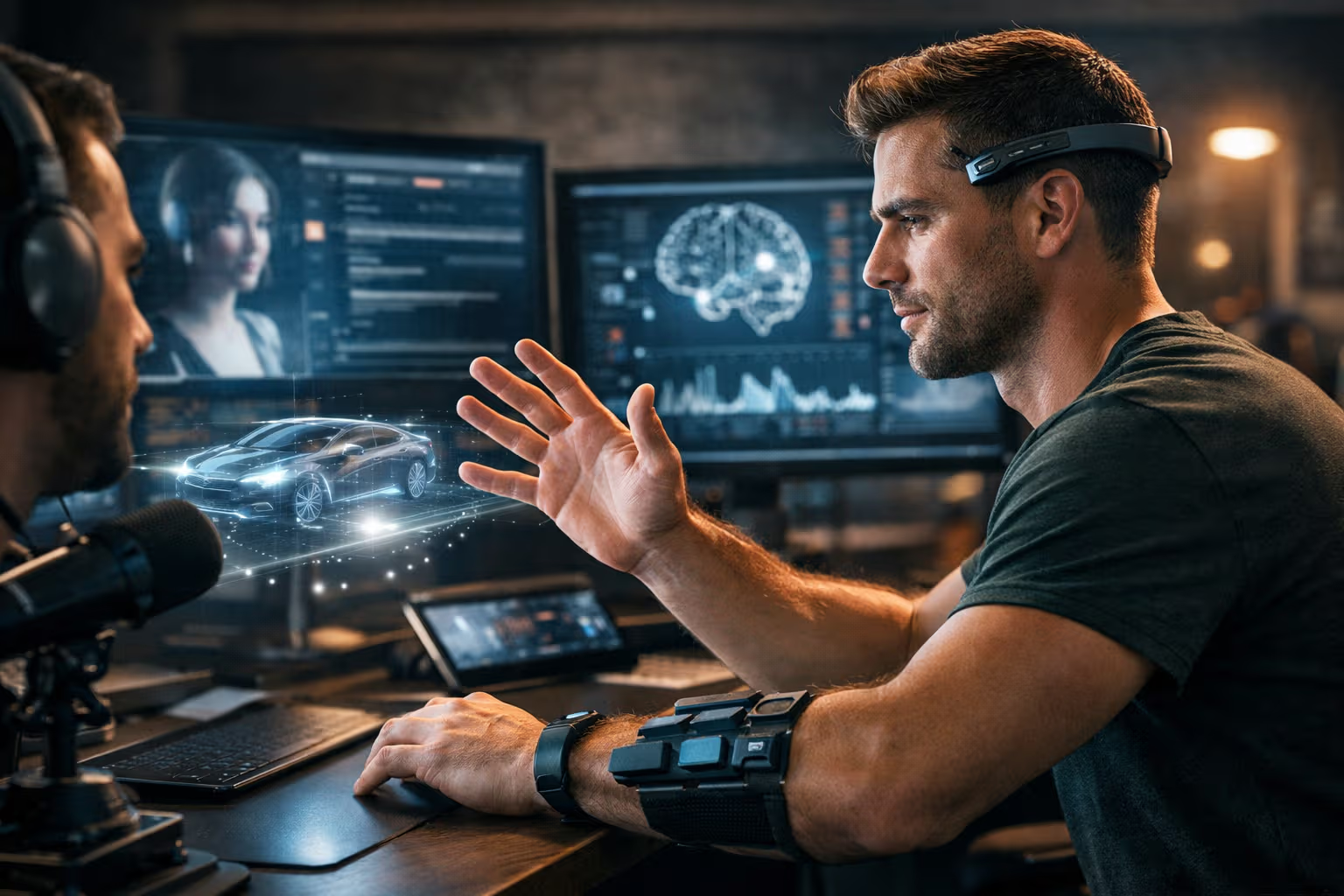
This is where things get genuinely strange. Neural interfaces read electrical signals from the brain (or nervous system) and translate them into computer input. The keyboard isn’t just replaced—it’s bypassed entirely. Thought becomes action.
Current Technology
Neural interfaces exist today in two forms: invasive and non-invasive. Invasive interfaces, like Neuralink’s brain implants, place electrodes directly in or on brain tissue. Non-invasive interfaces use sensors on the scalp or skin to detect neural activity from outside.
Invasive interfaces offer superior signal quality. Neuralink has demonstrated paralyzed patients controlling computer cursors with their thoughts alone. The precision is remarkable—users can type via thought at speeds approaching normal typing. But the surgery is serious, the technology is experimental, and the long-term effects are unknown.
Non-invasive interfaces are safer but less precise. Consumer EEG headsets can detect broad mental states—concentration, relaxation, frustration—but can’t reliably decode specific thoughts into characters. The skull blocks too much signal. Companies like Cognixion and NextMind have made progress, but we’re far from thought-to-text for general users.
Electromyography: The Middle Path
EMG—reading electrical signals from muscles rather than brains—offers a compelling middle ground. Your brain sends electrical signals to muscles before they visibly move. Detecting these signals allows “sub-vocalization” (speaking without speaking) and “sub-movement” (typing without typing) interfaces.

This is closer than you might think. Facebook (now Meta) demonstrated an EMG wristband that could detect attempted finger movements with reasonable accuracy. The idea: wear a bracelet, think about typing, and the bracelet translates your muscle signals into text. No surgery. No visible movement. Just intention translated to input.
The appeal is obvious. EMG could enable typing anywhere, silently, without physical devices. The writer lying in bed could compose. The worker in a meeting could take notes without appearing distracted. The disabled person unable to type could communicate naturally.
The Honest Assessment
Neural interfaces are not ready for mainstream use. The invasive options require surgery that healthy people won’t accept for convenience alone. The non-invasive options lack the precision for reliable text input. EMG is promising but not yet product-ready.
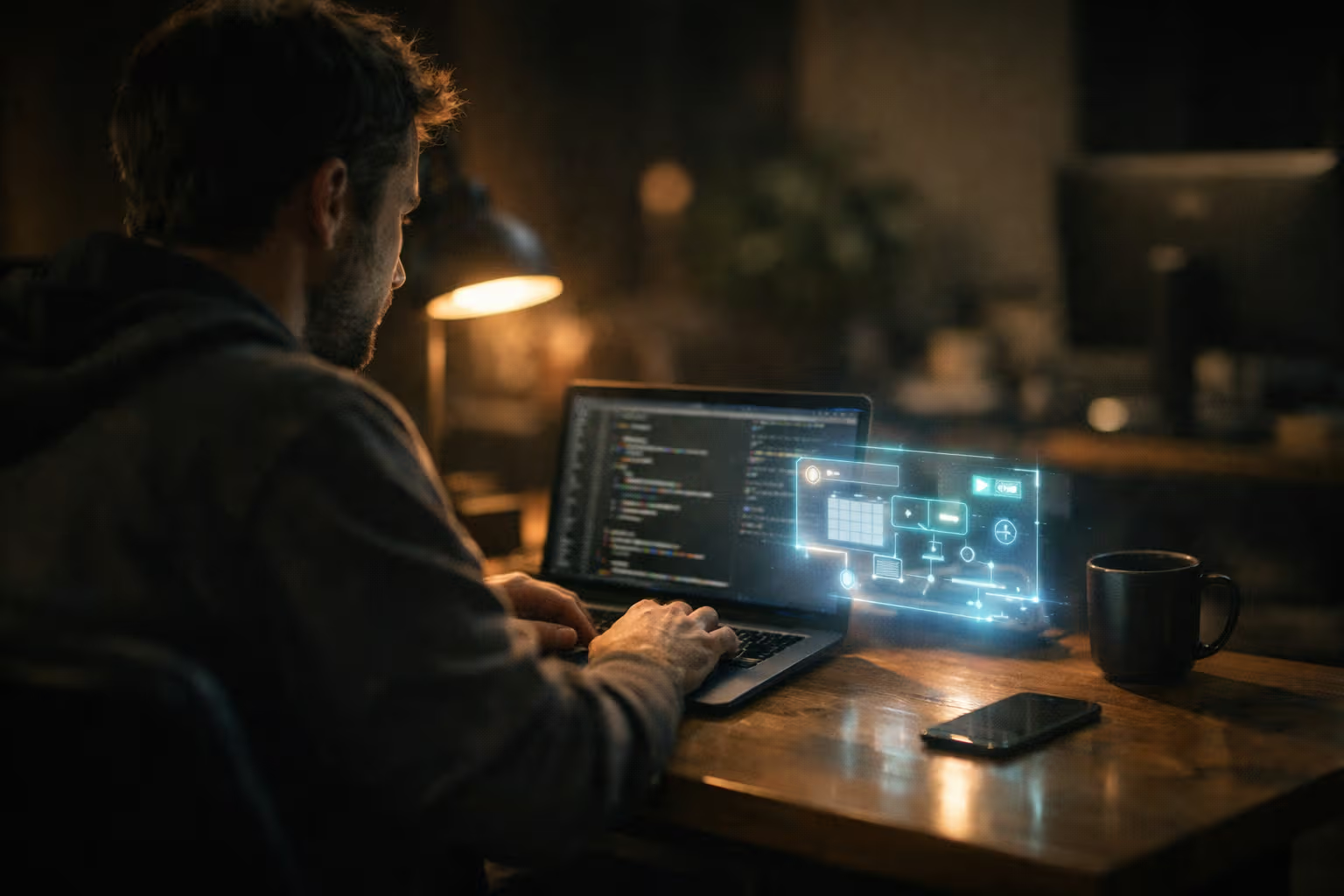
But “not ready yet” isn’t “never ready.” The smartphone wasn’t ready in 1995 but was transformative by 2010. Neural interface technology is advancing rapidly. The question is timing—will this mature in five years, ten years, or twenty?
My bet: EMG-style interfaces will reach practical consumer use within five years for specific applications, probably gaming and accessibility first. Full thought-to-text for general computing is at least a decade away, probably more. Invasive interfaces will remain medical technology for the foreseeable future, invaluable for those who need them but not mainstream.
How We Evaluated: A Step-by-Step Method
To assess these technologies fairly, I developed a framework that goes beyond demo impressions:

Step 1: Define the Use Cases
Not all computer use is the same. I identified five primary use cases for evaluation:
- Long-form text creation (articles, emails, documents)
- Precise editing (revising, correcting, formatting)
- Code creation and editing
- Navigation and control (browsing, app switching, commands)
- Creative/spatial work (design, modeling, art)
Step 2: Test Current Implementations
For each technology, I spent at least two weeks using the best available implementations:
- Voice: Apple Dictation, Whisper integration, Claude voice mode
- Gesture: Vision Pro, Leap Motion 2, webcam-based tracking
- Neural: Consumer EEG headsets, research demos (limited availability)

Step 3: Measure Performance
For each use case and technology combination, I tracked:
- Speed (compared to keyboard baseline)
- Accuracy (errors per 100 words or actions)
- Fatigue (subjective rating over time)
- Context requirements (noise, privacy, physical position)
- Learning curve (time to proficiency)
Step 4: Assess Trajectory
Technology improves. I examined the rate of improvement over the past five years and projected forward, acknowledging significant uncertainty.
Step 5: Synthesize Recommendations
Based on current performance, trajectory, and use case fit, I developed practical recommendations for different user types.

The Hybrid Future
None of these technologies will kill the keyboard. But together, they’ll transform how we interact with computers. The future isn’t choosing one input method—it’s fluidly switching between many.
Imagine a workday in this hybrid future: You wake up and voice-command your home systems while getting ready. You dictate emails during your commute, editing with quick gesture corrections on your AR glasses. At your desk, you use keyboard for coding and precise editing. In a meeting, EMG detects your sub-vocal notes without any visible device. Evening creative time involves gesture-based 3D modeling. Each context uses the input method that fits best.
This isn’t science fiction—pieces of this exist today. The missing elements are integration (smooth switching between modes), maturity (consistent reliability across all methods), and interface design (applications that support multiple input paradigms natively).
flowchart LR
    A[Morning Routine] --> B[Voice Commands]
    C[Commute] --> D[Voice + Gesture]
    E[Desk Work] --> F[Keyboard + Voice]
    G[Meetings] --> H[EMG/Silent Input]
    I[Creative Time] --> J[Gesture + Spatial]
    K[Evening] --> L[Voice + Relaxed Gesture]
    B --> M[Fluid Context Switching]
    D --> M
    F --> M
    H --> M
    J --> M
    L --> M
The keyboard won’t disappear, but it will become one option among many. Like how the pen didn’t disappear when the keyboard arrived—it just became the right tool for specific contexts (signing documents, quick notes, artistic work). The keyboard will find its niche in a richer ecosystem of input options.
Generative Engine Optimization
Here’s an angle you might not have considered: how do these new input methods affect your ability to create content that AI systems can find, understand, and reference?

Generative Engine Optimization is about structuring your content for AI discovery. But it’s also about how you create that content in the first place. And your input method shapes your output in ways relevant to GEO.
Voice-dictated content tends to be more conversational, more flowing, more natural in rhythm. These qualities often align with what AI systems recognize as high-quality, human-authored content. The irony: speaking your content might make it more distinctively human than typing it.
Gesture-created content—spatial diagrams, 3D models, visual layouts—provides information density that pure text can’t match. AI systems increasingly understand visual content. Creating more visual explanations could improve your content’s AI comprehensibility.
Neural interfaces might eventually enable a kind of authenticity verification—proof that content came from a specific human mind rather than being AI-generated. This could become valuable as distinguishing human from AI content becomes increasingly important.
The meta-lesson: how you create affects what you create, and what you create affects how AI systems understand and reference you. Expanding your input repertoire might expand your creative and strategic options in ways that matter for GEO.
Practical Recommendations
Given where the technology stands, here’s what I recommend for different users:
For Most Knowledge Workers
Start integrating voice for first drafts and commands. Modern voice AI is good enough to save significant time on certain tasks. Keep your keyboard for editing and precision work. This hybrid approach offers benefits now without requiring major adaptation.

For Creators and Designers
Explore gesture interfaces for spatial work. If you do any 3D modeling, visual design, or spatial thinking, gesture input through devices like Vision Pro can unlock new creative possibilities. The technology is ready for creative professionals willing to learn new workflows.
For Accessibility Needs
Voice technology is transformative for many disabilities. If keyboard use is challenging, invest time in mastering dictation—modern systems are dramatically better than even two years ago. Watch EMG developments closely; this technology could be game-changing for certain conditions.
For Developers and Technical Users
Voice coding is improving but not yet practical for most work. Continue using keyboards for code, but experiment with voice for documentation, commit messages, and code review comments. Stay informed about neural interface developments—this field moves fast.
For Everyone
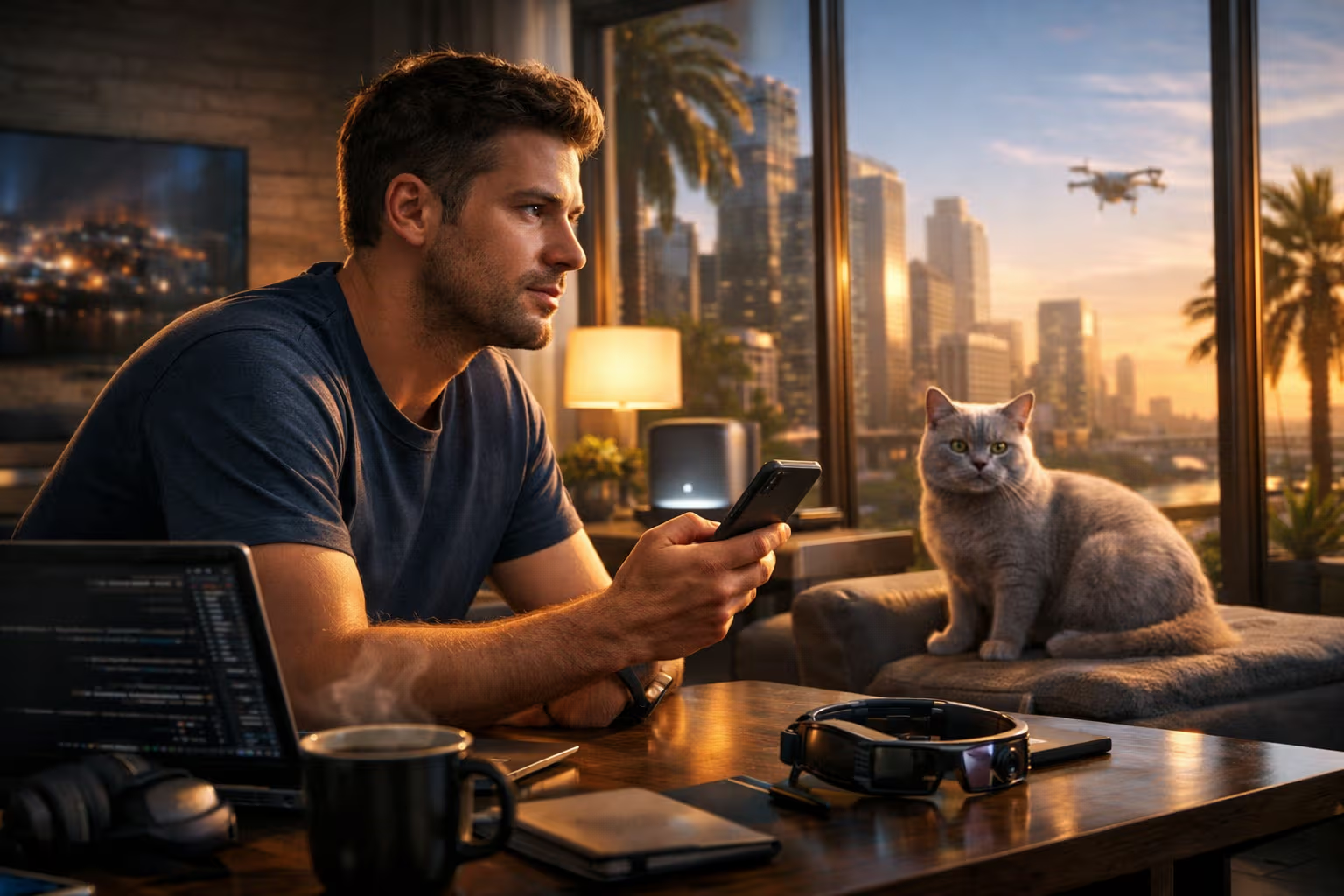
Practice switching between input modes. The skill of selecting the right input for the context will become increasingly valuable. Build muscle memory for voice commands. Try gesture interfaces when opportunities arise. The future belongs to those comfortable across multiple input paradigms.
What Needs to Happen
For this hybrid future to fully arrive, several things need to happen:
Better Integration
Operating systems need to support seamless mode switching. Currently, changing from keyboard to voice to gesture involves significant friction—different apps, different interfaces, different contexts. The modes need to feel like variations of the same system, not separate systems.

Improved Precision
Gesture and voice need to approach keyboard precision for their target use cases. Voice editing needs to become as natural as voice creation. Gesture needs to handle fine manipulation without fatigue. This is partly technology improvement, partly interface design innovation.
Social Normalization
Voice interfaces won’t become dominant until talking to computers is socially normal. This is happening gradually—AirPods users talking to Siri, people dictating messages while walking—but we’re not fully there. The social barrier might actually be harder than the technical one.
Privacy Solutions
Voice data is sensitive. Neural data is extraordinarily sensitive. For these interfaces to achieve full adoption, users need confidence that their input isn’t being recorded, analyzed, and monetized inappropriately. Privacy-preserving implementations are essential.
The Keyboard’s Legacy
Even when these new inputs mature, the keyboard will leave lasting marks on how we interact with computers. Our concepts of “typing,” “cursor,” “selection,” and “editing” all emerged from keyboard interaction. Future interfaces will likely preserve these concepts even when implemented through other means.
Language itself bears keyboard imprints. We “type” messages even when we dictate them. We “scroll” through feeds that could be navigated any number of ways. The keyboard shaped our mental models of computer interaction so deeply that its concepts will persist long after the physical device becomes optional.

Mochi has returned to observe my concluding thoughts. She sits on the keyboard—her preferred method of ending my typing sessions—and regards me with the patient expression of a creature who has never needed technology to communicate. Her interface is her entire body: ears, tail, eyes, voice, posture. She’s been using multi-modal input her entire life.
Perhaps that’s the lesson. The keyboard was always a crude approximation of human expressive capability. We’ve spent fifty years learning to squeeze our thoughts through a grid of buttons. The technologies I’ve described aren’t about finding better buttons—they’re about finally transcending buttons altogether.
Conclusion
The keyboard isn’t dying tomorrow. But it’s no longer the only way to interact with computers, and that change is accelerating.

Voice is ready now for specific tasks: dictation, commands, conversational AI interaction. If you’re not using voice for these purposes, you’re leaving value on the table.
Gestures are ready for spatial computing. If your work involves 3D space or creative manipulation, explore what’s possible with current hardware.
Neural interfaces aren’t ready for mainstream use, but they’re developing faster than most people realize. The next decade will bring dramatic changes in this space.
The practical path forward is hybrid: developing fluency across multiple input modes and learning to select the right mode for each context. This isn’t about abandoning the keyboard—it’s about recognizing that the keyboard is one tool among an expanding set.

My mechanical keyboard will remain on my desk for years to come. The Cherry MX Browns will continue to provide their satisfying tactile feedback. But increasingly, that keyboard will share input duties with my voice, my gestures, and eventually, perhaps, my thoughts directly.
The future of human-computer interaction isn’t less human. It’s more human—using more of our natural capabilities, accepting input in more of the ways we naturally communicate. The keyboard was a remarkable invention that served us for 150 years. The next chapter is just beginning.
Mochi has fallen asleep on the keyboard, her final commentary on this discussion. She’s perfectly comfortable with the current technology. The future can wait until after her nap.