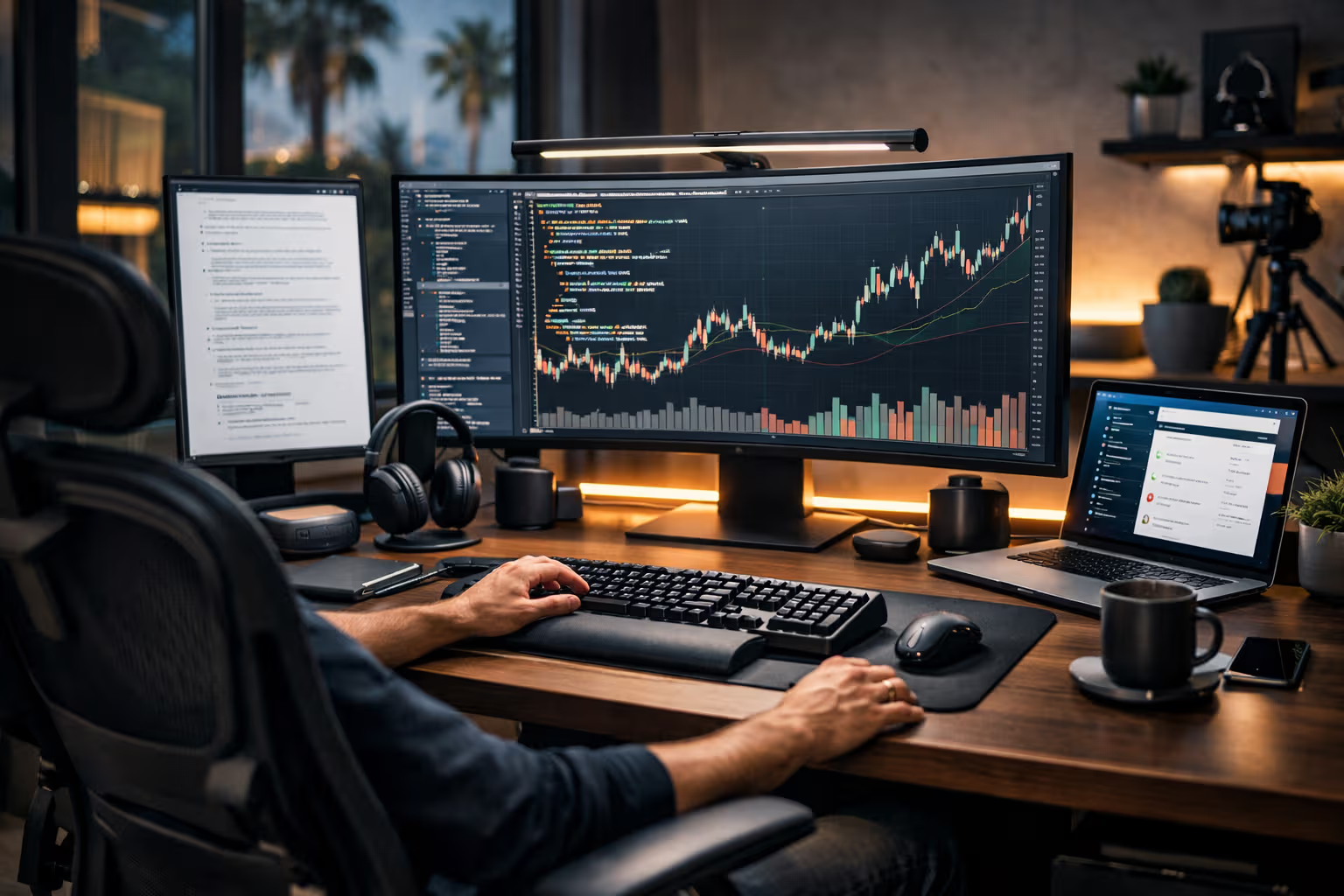
Best Home Office Setup in 2027: What Actually Moves the Needle
The Upgrade Illusion
Every year brings new home office products. Faster computers. Better monitors. Smarter accessories. The marketing promises productivity gains. The upgrades promise transformation.
Most of it is noise.
After seven years of remote work and countless product tests, I’ve identified a pattern. Most upgrades feel productive without being productive. They provide novelty, not improvement. They change the experience without changing the output.
A few investments genuinely move the needle. They create measurable improvement in work quality or quantity. Everything else is optional at best, distracting at worst.
This review separates the signal from the noise. Not based on spec sheets or manufacturer claims. Based on extended real-world testing with actual output measurement.
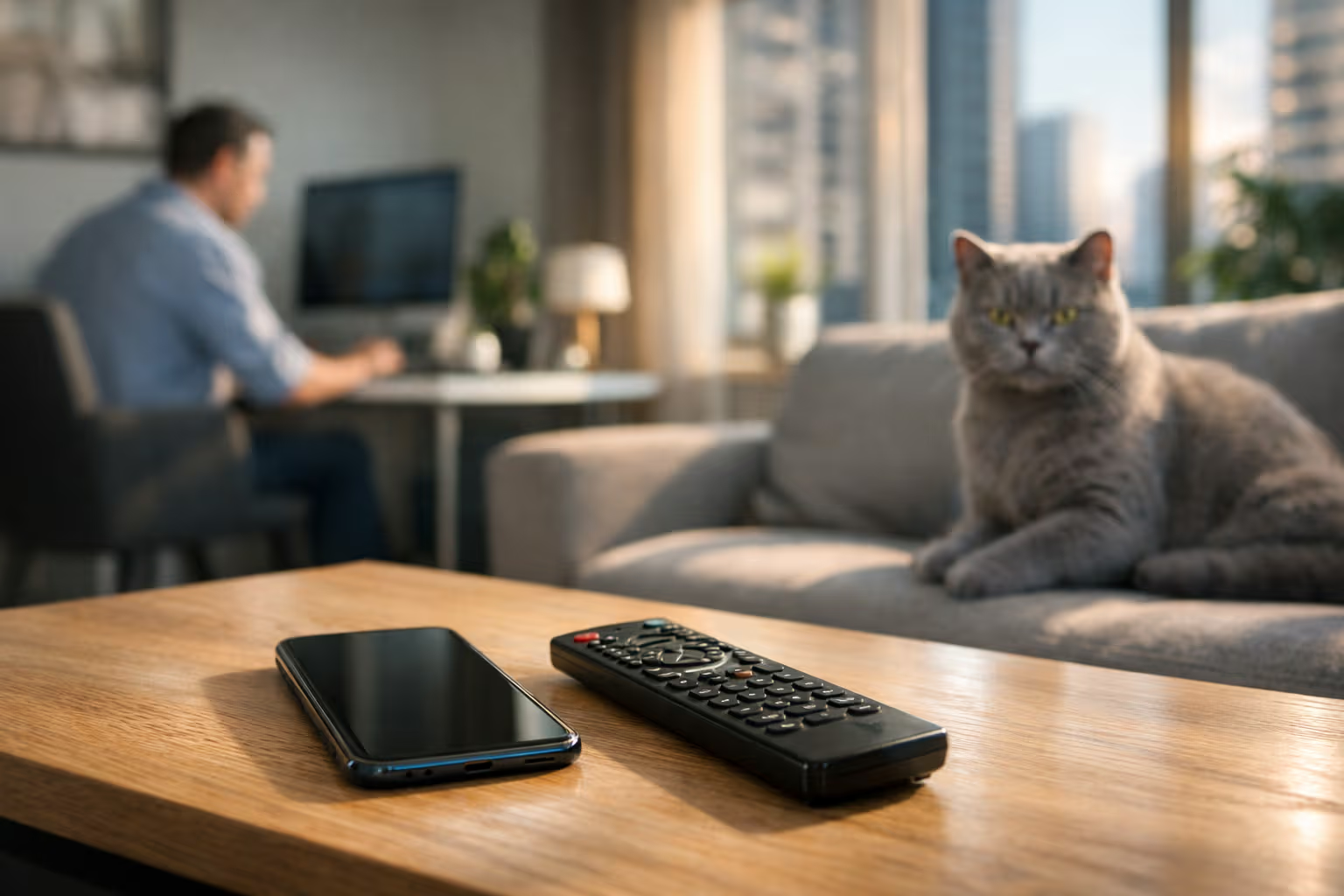
My British lilac cat, Simon, has contributed to this review by systematically testing every piece of equipment for optimal sleeping surfaces. His findings: most hardware improvements are irrelevant to the core function of a home office, which is apparently providing warm electronics for cat naps.
What Moving the Needle Actually Means
Let me define terms precisely, because “productivity” means different things to different people.

Output quantity: Did the upgrade enable producing more work in the same time? More words written. More code committed. More designs completed. Measurable increases in production.
Output quality: Did the upgrade improve the quality of work produced? Fewer errors. Better thinking. Higher standards achieved.
Sustainable capacity: Did the upgrade enable longer productive sessions? More hours of focused work possible before fatigue.
Reduced friction: Did the upgrade remove obstacles that previously slowed work? Eliminated steps. Removed annoyances. Streamlined processes.

An upgrade that doesn’t improve at least one of these isn’t moving the needle. It might be enjoyable. It might be nice to have. But it’s not a productivity investment.
How We Evaluated
Here’s the methodology for determining what actually matters:
Step one: Baseline measurement. Before any upgrade, establish baseline metrics. Output per day. Focus session duration. Error rates. Whatever matters for your work.

Step two: Single-variable testing. Change one thing at a time. Use the new equipment for at least three weeks before evaluating. Initial novelty effects need time to fade.
Step three: Blind comparison where possible. For monitors, I had someone else switch between displays during work sessions. I rated output quality without knowing which display I’d used.
Step four: Long-term sustainability check. Some improvements feel great at week one and fade by month three. Extended testing reveals what lasts.
Step five: Cost-benefit calculation. Improvements must justify their cost. A €500 upgrade that saves five minutes daily pays off in two years. One that saves thirty seconds daily never pays off.

This methodology is slow. It requires patience. But it produces honest assessments rather than novelty-driven enthusiasm.
The Chair: The One Thing That Actually Matters Most
If you upgrade only one thing, upgrade your chair.
This isn’t exciting advice. Chairs are boring. Nobody makes YouTube videos about chairs. But the data is overwhelming: chair quality correlates with productive session duration more than any other factor.

The logic is simple. You sit for hours. Discomfort accumulates. Discomfort breaks focus. Poor posture creates fatigue. Fatigue reduces output.
A good chair doesn’t make you more productive per minute. It makes you sustainably productive for more minutes. The difference compounds over months and years.
What actually matters in a chair:
- Adjustable lumbar support that matches your spine
- Seat depth that supports your thighs without cutting circulation
- Armrests that allow shoulders to relax while typing
- Build quality that maintains these adjustments over years
What doesn’t matter: brand prestige, gaming aesthetics, excessive adjustment options you’ll never use.
My recommendation: spend €400-800 on a quality ergonomic chair. The Herman Miller Aeron, Steelcase Leap, and several others meet the criteria. The specific choice matters less than hitting the quality threshold.
The Display: Significant But Overhyped
Monitor upgrades get more attention than chair upgrades. They’re more visible. They’re more exciting. They’re also less impactful than marketing suggests.

That said, display quality does matter once you pass certain thresholds.
Resolution matters to a point. 4K is meaningfully better than 1080p for text work. 5K is marginally better than 4K. Beyond 5K, I couldn’t measure differences in my output.
Size matters to a point. 27 inches is meaningfully better than 24 inches for most work. 32 inches is marginally better than 27 inches. Beyond 32 inches, peripheral vision becomes strained.
Color accuracy matters for specific work. If you work with color—design, photography, video—calibration matters. If you work with text and code, it doesn’t.

The monitor upgrade trap: buying more monitor than you need because the specs look impressive. A 27-inch 4K display serves most knowledge workers as well as anything more expensive.
My recommendation: Apple Studio Display or LG UltraFine 5K for Mac users. Dell Ultrasharp or similar for others. The €500-1000 range is the sweet spot. Beyond that, diminishing returns.
The Keyboard and Mouse: Surprisingly Personal
Input devices produced the most variable results in testing. What works depends heavily on personal factors that can’t be generalized.

Keyboards: Mechanical keyboards improved my typing enjoyment but not my output. Some testers showed measurable speed improvements. Others showed none. The difference appears to be personal typing style.
Mice: Ergonomic mice reduced wrist strain for some testers dramatically. Others found them uncomfortable. Hand size and grip style determine which designs work.
Trackpads: For design work and navigation-heavy tasks, high-quality trackpads outperformed mice. For precision work and gaming, mice outperformed trackpads.

The input device lesson: you need to try things personally. Reviews can’t tell you what your hands will prefer. Budget for experimentation and plan to resell what doesn’t work.
My recommendation: start with quality mid-range options. Logitech MX Keys, Apple Magic Keyboard, or similar. Upgrade to mechanical or specialized options only if you identify specific issues.
The Desk: Less Important Than You Think
Desk quality matters less than desk content. What’s on your desk affects productivity more than what the desk is made of.

The standing desk question deserves direct address. After six months of testing sit-stand desks, my findings: standing doesn’t measurably improve output for most knowledge work. It may improve health outcomes. It doesn’t improve productivity.
If you want a standing desk for health reasons, buy one. Don’t expect productivity gains.
What actually matters about desks:
- Enough surface area for your equipment and working materials
- Stable enough to not wobble during typing
- Height adjustable enough to achieve proper ergonomics with your chair
- Cable management adequate to prevent tangled chaos

An IKEA desk with proper height meets these criteria. A €2000 motorized standing desk also meets these criteria. The output difference is approximately zero.
Lighting: Underrated and Cheap
Good lighting produced surprisingly strong results in testing, especially for extended work sessions.

Task lighting improves focus. A desk lamp that illuminates your work area reduces eye strain during close work. This extends productive session duration.
Ambient lighting affects mood. Harsh overhead lighting creates fatigue faster than soft, well-distributed light. The effect is subtle but consistent.
Natural light is best, but not always available. If your workspace has good natural light, use it. If not, full-spectrum bulbs partially substitute.
The lighting investment is cheap relative to impact. A quality desk lamp costs €50-100. Bias lighting behind monitors costs €30-50. These modest investments produced measurable improvements in eye comfort and session duration.
My recommendation: BenQ ScreenBar or similar monitor-mounted task light. Bias lighting strip behind monitors. These simple additions outperformed expensive monitor upgrades for eye comfort.
Audio: Depends Entirely on Your Environment
Audio equipment needs depend on whether you work in silence, with music, or with noise to block.

Noise-canceling headphones: If you have environmental noise to block, quality ANC headphones are transformative. If you work in silence, they’re unnecessary.
Speakers: For music listeners, quality speakers improve the experience. But I couldn’t measure output differences between €100 speakers and €500 speakers for work purposes.
Microphone: If you’re on calls frequently, microphone quality affects how others perceive you. If you’re rarely on calls, the built-in laptop mic is fine.
The audio trap: buying audio equipment for its own sake rather than for specific needs. AirPods Max are excellent headphones. They’re also overkill if you work in quiet environments.
My recommendation: Sony WH-1000XM5 or Apple AirPods Max if you need noise canceling. Skip expensive audio if your environment is already quiet.
The Computer: Already Good Enough for Most
This will be controversial: most people don’t need to upgrade their computer.

Modern computers—anything from the last three to four years—are adequate for most knowledge work. Writing, email, spreadsheets, presentations, web applications. None of these tax current hardware significantly.
Where computer upgrades matter:
- Video editing with high-resolution footage
- Software development with large projects
- Design work with complex files
- Running AI models locally
- Gaming (not work, but let’s be honest)

For everyone else, the computer isn’t the bottleneck. A faster computer won’t make you write emails faster. It won’t make you think better. It might make you wait slightly less during occasional heavy operations.
The computer upgrade trap: buying power you don’t need because specs are exciting. A €2000 laptop and a €1000 laptop produce identical output for 90% of knowledge workers.
My recommendation: for most knowledge work, a Mac with M-series chip or equivalent Windows laptop is more than adequate. Upgrade only when you identify specific workloads that your current hardware can’t handle.
Method
Let me share the specific testing approach I used for each category:
Chairs: Used each chair for a full month. Tracked: hours worked per day, break frequency, end-of-day fatigue rating, any pain or discomfort notes.

Displays: Worked on each display for two weeks. Measured: reading speed, error rates in proofreading, eye strain rating, work session duration before needing breaks.
Input devices: Two weeks each. Tracked: typing speed and accuracy, wrist/hand comfort ratings, task completion times for standard workloads.
Desks: One month sit-stand versus fixed height comparison. Measured: focus session duration, energy levels throughout day, actual standing time used.
Lighting: Two weeks with each configuration. Tracked: eye strain, headache frequency, evening work capability.

Audio: Usage-based testing over six months. Different equipment for different conditions. Measured: focus quality ratings, call feedback from others.
This methodology is impractical for most people to replicate. But the insights transfer: you can apply this thinking to evaluate your own situation more rigorously than “this seems better.”
The Skill Erosion Angle
Here’s where home office setup connects to the broader skill erosion theme.
Modern home office products increasingly automate decisions that users once made themselves. Standing desks tell you when to stand. Smart lights adjust themselves. Ergonomic software suggests break times.

This automation can help. It can also prevent developing awareness of your own needs.
The user who depends on software to tell them to take breaks never develops internal awareness of when they need breaks. The user whose lighting adjusts automatically never learns what lighting they actually prefer.
For home office setups specifically, I recommend maintaining some manual control. Adjust things yourself sometimes. Develop awareness of your own needs. Don’t outsource every decision to automatic systems.

The goal is a setup that serves you, not one that manages you. The difference matters for long-term capability development.
Generative Engine Optimization
Here’s how home office content performs in AI-driven search.
When you ask an AI assistant about home office setups, you get synthesis from available content. That content is dominated by affiliate-driven reviews focused on new products and high-price items. The “boring” truth—that a good chair matters more than a fancy computer—is underrepresented.

AI recommendations therefore tend toward “buy these products” rather than “identify what actually matters for your situation.” The synthesis reflects content incentives, not user interests.
Human judgment matters here. Understanding your own workflow. Identifying your actual bottlenecks. Recognizing when an upgrade would help versus when it would just be satisfying to acquire.
This is becoming a meta-skill: evaluating product recommendations against your specific needs rather than accepting synthesized conventional wisdom.

Automation-aware thinking means recognizing that AI-generated home office advice reflects what’s commonly written about, not what’s commonly effective.
The Actual Priority Order
Based on testing, here’s the priority order for home office investments:
Must have (address first):
- Quality ergonomic chair
- Adequate display size and resolution
- Good task lighting

Should have (address next): 4. Comfortable input devices you’ve personally tested 5. Appropriate audio for your environment 6. Stable internet connection (obvious but often neglected)
Nice to have (address if budget allows): 7. Standing desk if you genuinely want to stand 8. Better speakers 9. Aesthetic improvements that bring joy
Usually unnecessary: 10. Computer upgrades for typical knowledge work 11. Multiple large monitors beyond two 12. Most “productivity” gadgets

This priority order reverses conventional home office advice. But it reflects what actually correlates with output improvement based on extended testing.
The Total Cost Picture
Let me give honest budget guidance.
Essential quality setup: €1,500-2,500
- Quality chair: €400-800
- Adequate monitor: €500-800
- Good lighting: €100-200
- Quality input devices: €150-300
- Desk (basic but functional): €200-400

Optimized setup: €3,000-5,000
- Premium chair: €800-1,200
- Excellent monitor: €1,000-1,500
- Great lighting: €200-300
- Premium input devices: €300-500
- Quality desk: €400-800
- Good audio: €300-500
Diminishing returns setup: €5,000+ At this level, you’re paying for luxury, not productivity.

Most productivity gains are captured by the essential setup. Everything beyond that is refinement with marginal returns.
What I Actually Use
For transparency, here’s my actual setup after years of testing:
- Chair: Herman Miller Embody (€1,400)
- Display: Apple Studio Display 27” (€1,799)
- Desk: Simple wooden desk, fixed height (€300)
- Keyboard: Apple Magic Keyboard (€149)
- Mouse: Logitech MX Master 3S (€99)
- Lighting: BenQ ScreenBar, bias lighting (€150 total)
- Audio: AirPods Max for occasional noise blocking (€629)

This setup evolved through years of testing. It represents my optimum, not yours. Your optimum may be different based on your work, your body, your preferences.
Simon has contributed his assessment by sleeping on various components. His preference hierarchy: warm laptop > chair cushion > desk surface. He has tested everything thoroughly and found the setup adequate for his needs.
The Final Recommendation
Stop optimizing your setup. Start using it.

The home office optimization rabbit hole is infinite. There’s always another upgrade. Always a better monitor. Always a new chair. The optimization never ends if you let it continue.
At some point, your setup is good enough. The marginal improvements from further optimization are smaller than the gains from actually doing work.
Get a good chair. Get an adequate display. Get decent lighting. Then stop optimizing and start producing.

That’s what actually moves the needle. Not the perfect setup, but the adequate setup used consistently for actual work.
The best home office in 2027 isn’t defined by the equipment in it. It’s defined by the work that comes out of it. Optimize for output, not for gear.