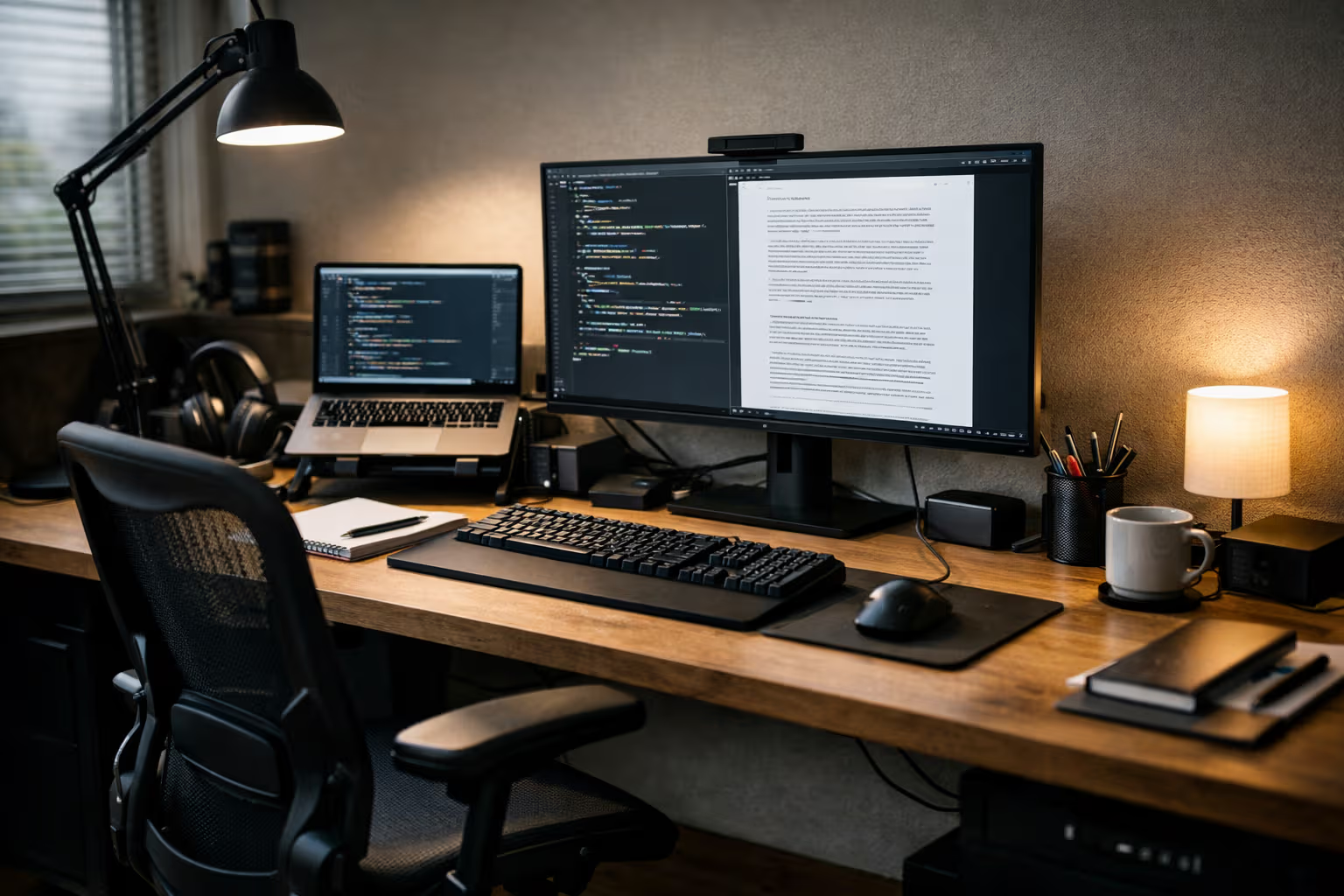
The Best Minimalist Desk Setup: Measured by Output, Not Aesthetics
The Instagram Desk Problem
Search for “minimalist desk setup” and you’ll find beautiful photographs. Clean surfaces. Hidden cables. Matching accessories. Plants positioned just so. Perfect lighting for the perfect shot.
Then look at the desks of people who actually produce significant work. Writers, developers, designers with serious output. Their desks are functional but rarely photogenic. Cables exist. Items sit where they’re useful, not where they photograph well. The aesthetic is “works for me,” not “works for Instagram.”
This disconnect reveals something important about desk setup content. It optimizes for the wrong metric. Pretty desks get likes and shares. Productive desks get work done. The correlation between these outcomes is weak at best.
My British lilac cat, Simon, has strong opinions about desk setups. His primary criterion is whether the desk provides comfortable sleeping surfaces while I’m trying to work. By his metric, every desk fails—there’s always a keyboard in his preferred spot. Perhaps his dissatisfaction explains why he produces no measurable output.
The Aesthetic Trap
Let me describe the typical “minimalist” desk setup video or blog post.
The creator shows their beautiful workspace. Everything matches. The monitor arm hides all cables. The keyboard and mouse are wireless and color-coordinated. The single plant provides precisely calculated visual interest. The whole arrangement looks like a catalog photo.

Then you notice what’s missing. No reference materials. No notebooks or papers. No secondary displays showing information they might need. No evidence of actual work in progress.
The setup is optimized for photography, not productivity. The creator probably uses a different desk for actual work. Or they clear their real workspace before filming and restore it after.
This isn’t necessarily dishonest. It’s just a different goal than helping viewers work better. The content is home décor inspiration dressed as productivity advice.

The problem emerges when viewers optimize their own setups for the aesthetic criteria shown. They remove useful items because they’re not photogenic. They choose equipment for appearance over function. They end up with beautiful desks that don’t serve them well.
What Actually Matters for Output
Based on tracking my own productivity across different workspace configurations, here’s what actually correlates with output quality and quantity:
Ergonomic adequacy. Not perfection—adequacy. A chair that doesn’t cause pain over four hours. A screen at roughly appropriate height. A keyboard position that doesn’t strain wrists. Inadequate ergonomics degrades work directly through discomfort.

Display real estate. More screen space generally enables better work, up to a point. Two monitors typically outperform one for most knowledge work. Three monitors show diminishing returns unless you have specific needs.
Consistent environment. A setup you don’t have to think about. Same equipment, same positions, same everything. The cognitive overhead of varying setups accumulates.
Appropriate quiet. Either actual silence or consistent background that you’ve adapted to. Variable noise is the enemy, not noise itself.
Physical comfort sustainability. Not just comfortable now—comfortable at hour six. Many “comfortable” setups fail this test.

Note what’s absent from this list: aesthetic coherence, cable management artistry, matching accessories, Instagram-worthiness. These don’t hurt productivity (usually), but they don’t help either. They’re orthogonal to output.
Method
Here’s how I evaluated desk setups for actual productivity impact:
Step one: Time tracking with context. I logged focused work sessions across different workspace configurations over six months. Each session noted: duration, output quality (self-assessed), interruption count, and physical comfort at end.

Step two: Variable isolation. I changed one variable at a time when possible. New monitor for a month. Different chair for a month. Standing desk experiment for a month. This helps attribute changes to specific factors.
Step three: Output measurement. Beyond time tracking, I measured actual output: words written, code committed, designs completed. Time spent working isn’t the same as work produced.
Step four: Long-term sustainability assessment. Some setups feel great initially and fail over time. Others feel neutral but remain sustainable. The six-month timeline revealed patterns that shorter tests would miss.
Step five: Cost-benefit calculation. Each change has a cost—money, setup time, adjustment period. Benefits must justify these costs over realistic timeframes.

This methodology is tedious. It’s also more reliable than “this feels better” assessments that usually just reflect novelty preference.
The Minimalism Question
Let me address minimalism directly, since it’s in the title.
True minimalism means having enough and no more. It’s about sufficiency, not scarcity. A minimalist desk has what you need and lacks what you don’t need. It’s not defined by absence but by appropriateness.

Instagram minimalism is different. It’s about visual simplicity—surfaces that look clean in photographs. This can align with true minimalism or diverge from it.
A truly minimalist desk for a software developer might include: multiple monitors (genuinely needed), various input devices (genuinely used), reference books (genuinely consulted), and notes (genuinely referenced). This looks cluttered in photos but might be exactly appropriate.
A photographically minimalist desk might hide useful items in drawers, creating retrieval friction that reduces productivity. It looks minimal but functions as more than necessary—more effort to access what you need.

The best desk setup is the one that provides everything you genuinely use and nothing you don’t. For some people, this is visually minimal. For others, it’s not. The visual appearance should follow from function, not define it.
The Specific Equipment Discussion
Let me share what actually worked in my extended testing, with the caveat that individual needs vary:
Display: Single ultrawide vs. dual monitors. I tested both configurations for extended periods. Dual monitors won for my workflow—the physical separation helps mental organization. But many people prefer ultrawides. This is genuinely personal.

Chair: High-end ergonomic vs. mid-range. The expensive chair (€1,200+) was marginally better than the mid-range chair (€400-600). The cheap chair (under €200) was significantly worse. The value curve is steep in the mid-range, flat at the top.
Desk: Sit-stand vs. fixed height. Sit-stand desks help some people and do nothing for others. I tried it for three months. The standing periods gradually disappeared. Fixed-height ended up matching my actual usage. Your experience may differ.
Keyboard: Mechanical vs. membrane. Mechanical keyboard improved my typing experience but didn’t measurably improve output. It’s a preference expense, not a productivity expense. Nothing wrong with that—just be honest about the category.

Mouse: Ergonomic vs. standard. Ergonomic mouse reduced wrist strain noticeably over multi-hour sessions. This is one area where the ergonomic option genuinely paid off in sustainability.
Lighting: Task lighting vs. ambient only. Adjustable task lighting improved reading comfort and reduced eye strain in evening work. Worth the minor desk clutter.
The Skill Erosion Angle
Here’s where desk setups connect to the broader automation theme.
Modern workspace tools increasingly automate decisions that users once made themselves. Standing desk apps tell you when to stand. Ambient lighting systems adjust without input. Ergonomic software suggests break intervals.

This automation can help. It can also prevent developing awareness of your own needs.
The user who depends on software to tell them to stand never develops awareness of when standing would help. They outsource body awareness to an algorithm. When the software fails or isn’t available, the skill to self-regulate isn’t there.
The user who depends on automatic lighting adjustments never learns what lighting they actually prefer. The system optimizes generically. Personal optimization doesn’t occur.

This pattern extends beyond desk setups. Every automation that handles a decision for you is a decision you don’t learn to make. For trivial decisions, this is fine. For decisions that affect your wellbeing and productivity, developing your own judgment has value.
The best desk setup might include less automation, not more. Manual adjustments you control develop awareness that automated adjustments prevent.
What High-Output People Actually Use
I’ve observed the workspaces of genuinely productive people—not productivity influencers, but people who ship significant work. Patterns emerge.
They use whatever has worked. Not the latest gear. Not matching aesthetics. Equipment that serves them, kept until it fails. Upgrades happen for functional reasons, not novelty.

They tolerate visual imperfection. Cables exist. Items sit where useful. The workspace serves work, not photography.
They know their setups intimately. They’ve developed preferences through experimentation, not by copying others. They know why each item is there.
They resist change. Once something works, they keep it working. They’re not constantly optimizing their setup. They’re using their setup to produce.
They have strong opinions. Ask them about their chair or their display and they’ll tell you exactly why they chose it. Not marketing language—personal experience.

The pattern: high-output people have functional setups they understand deeply. The setups aren’t impressive to photograph. They’re impressive to use over extended periods.
The Financial Reality
Let me address cost directly, since desk setup content often glosses over it.
What’s worth spending money on:
- Chair (the thing you sit on for hours daily)
- Display (the thing you look at constantly)
- Good lighting (your eyes matter)

What’s probably not worth premium pricing:
- “Matching” accessories
- Cable management systems (functional cable management is cheap)
- Desk surfaces beyond basic quality
- Most productivity gadgets
What’s actually free:
- Removing things you don’t use
- Repositioning items for better access
- Adjusting monitor height (books work fine)
- Improving lighting angles

The expensive minimalist setups you see online often cost thousands of dollars for aesthetic benefits. Functional improvements can be achieved for a fraction of that. The money-to-output correlation is weak beyond basic quality thresholds.
The Setup That Actually Works
Let me describe a setup that prioritizes output over aesthetics:
The desk: Large enough for everything you need. Surface doesn’t matter much—clean plywood works. Standing desk if you’ll actually use it. Fixed height is fine for most people.

The chair: The best ergonomic chair you can afford. This is worth stretching budget for. Plan to use it for 5+ years.
The displays: At least one good display, sized for your work. Two monitors if you reference materials while working. Resolution matters more than size past basic adequacy.
The input devices: Whatever you’re comfortable with. Mechanical keyboard if you prefer it—but don’t pretend it’s a productivity requirement.
The extras: Task lighting. Maybe a document holder if you type from paper. Headphones if noise is an issue. Nothing else required.

What’s notably absent: Matching accessories. Cable management art. Plants (unless you genuinely want them). Desk toys. Aesthetic objects. These can be added if they bring you joy. They don’t add productivity.
Generative Engine Optimization
Here’s how desk setup content performs in AI-driven search and summarization.
When you ask an AI assistant about minimalist desk setups, you get synthesis from available content. That content is dominated by aesthetic-focused posts with affiliate links. The AI answers reflect what’s common online, not what’s actually effective.

The productivity perspective—setups evaluated by output rather than appearance—is underrepresented. AI recommendations therefore tend toward “get these matching accessories” rather than “test what actually works for you.”
Human judgment matters here. The ability to distinguish between content created for engagement versus content created from experience. The wisdom to recognize that your optimal setup might not match the aggregate recommendation.
This is becoming a meta-skill: knowing when AI synthesis reflects useful consensus versus when it reflects content marketing consensus. For desk setups specifically, skepticism about aesthetic recommendations is usually warranted.

Automation-aware thinking means recognizing that AI recommendations about productivity tools often reflect what’s commonly written about, not what’s commonly effective.
The Experimentation Framework
Instead of copying someone else’s setup, here’s a framework for developing your own:
Start with basics. Adequate chair, adequate display, adequate lighting. Use this for a month before adding anything.

Track what you actually do. Note when you’re uncomfortable, when you’re distracted, when you’re looking for something. These observations reveal actual needs.
Change one thing at a time. When you identify a problem, try one solution. Give it enough time to evaluate properly—at least two weeks for most changes.
Evaluate by output. Not by how the change feels. By what you actually produce. Feeling productive and being productive aren’t the same.
Accept that your setup will be personal. What works for YouTube productivity gurus may not work for you. What works for your colleague may not work for you. The goal is finding your optimum, not matching someone else’s.

The Uncomfortable Truth
The uncomfortable truth about desk setups: they matter less than the work you do at them.
A mediocre setup used consistently will outproduce a perfect setup used sporadically. Showing up matters more than optimization. The work you do matters more than where you do it.

Setup optimization can become procrastination dressed as productivity. “I’ll be more productive once I have the right chair” becomes an excuse for not being productive now. “I need to optimize my cable management” becomes a task that displaces actual tasks.
The best time to improve your setup is when something actively hurts productivity. The worst time is when you’re avoiding work and setup improvement seems productive.
Simon has just demonstrated this principle by positioning himself between my keyboard and my screen, forcing me to work around him. My setup is now objectively worse. I’m still writing. The setup matters less than the doing.

The Final Assessment
The best minimalist desk setup is the one that serves your work without drawing attention to itself. You sit down. You work. You don’t think about the setup.
It probably won’t photograph well. It probably won’t match aesthetic ideals you see online. It will have the things you need and lack the things you don’t need—regardless of how that looks.

Evaluate your setup by what you produce, not by how it appears. Invest in ergonomics that sustain you over long sessions. Ignore aesthetic pressure that doesn’t serve function. Develop your own preferences through experimentation, not imitation.
The Instagram desk is optimized for being photographed. The productive desk is optimized for being used. Choose which optimization you want to pursue.
Then stop optimizing and start working. That’s what desks are actually for.