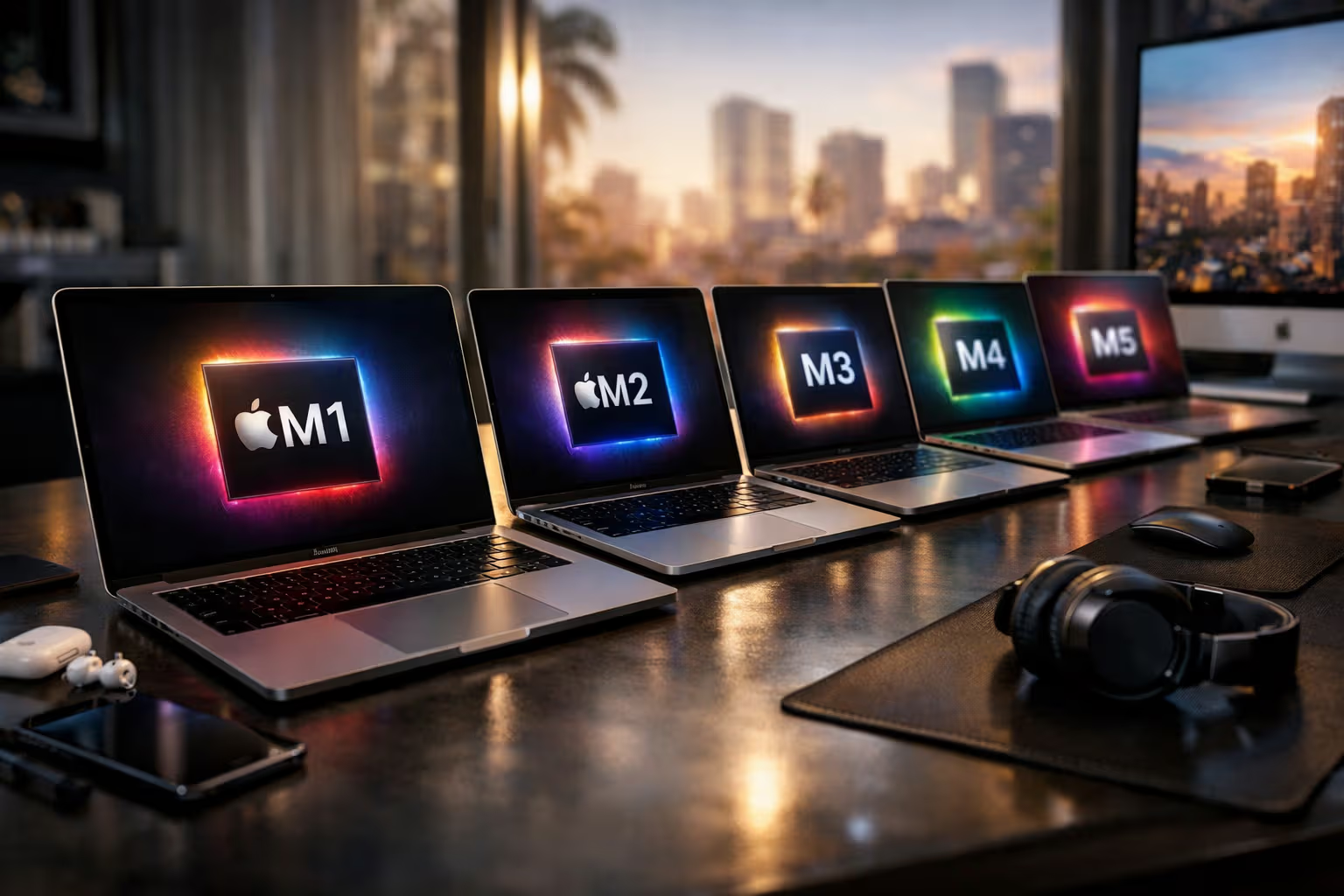
M1, M2, M3, M4, M5: Does It Still Make Sense to Chase a New Mac Every Year?
I bought an M1 MacBook Pro in November 2020. It was a revelation—a laptop that outperformed my Intel desktop while running silent and cool. I was immediately hooked on Apple Silicon and convinced I’d upgrade every year to chase the latest performance gains.
Five years later, I’m still using that M1. It runs everything I need. The battery still lasts all day. The performance is… fine. More than fine, actually. And that’s the problem Apple created for itself: the M1 was so good that the upgrades since haven’t felt essential.
My British lilac cat, Mochi, has been sleeping on various warm laptops throughout the Apple Silicon era. She reports no discernible difference in warmth quality between generations, though she did seem disappointed when the M1 ran cooler than the Intel it replaced. Progress, for cats, isn’t always progress.
This article examines the M1 through M5 progression, quantifies the real-world gains between generations, and answers the question that Apple’s marketing carefully avoids: for most users, does upgrading every year—or even every other year—actually make sense?
The Apple Silicon Timeline
Let’s establish what we’re working with. Apple has released a new M-series generation roughly every year since 2020:
- M1 (November 2020): The revolutionary first generation that proved Apple could build laptop chips better than anyone
- M2 (June 2022): First revision with modest single-threaded gains, better media engine
- M3 (October 2023): 3nm process, hardware ray tracing, dynamic caching for GPU
- M4 (May 2024): AI-focused enhancements, improved Neural Engine, better efficiency
- M5 (March 2026): Latest generation with further refinements across all metrics

Each generation brought improvements. Apple’s marketing highlighted impressive percentage gains. Tech reviewers praised the advancements. And yet, something curious happened: fewer people upgraded than in previous computing eras.
The upgrade cycles that Intel’s slower improvements had trained us to expect—buy every 3-4 years as performance doubled—don’t apply when the baseline is already excellent. When your M1 handles everything you throw at it, the M5 being faster becomes an abstract improvement rather than a practical necessity.

This represents a fundamental shift in the computer industry. For decades, upgrading was practically mandatory. Software demanded more; hardware delivered more; the treadmill kept spinning. Apple Silicon disrupted this cycle by delivering so much performance upfront that subsequent generations couldn’t feel revolutionary—they could only feel incremental.
The Numbers Behind the Hype
Apple announces each generation with impressive-sounding comparisons. “30% faster than M4!” “50% more efficient than the previous generation!” These numbers are technically accurate but practically misleading. Let’s examine what actually changed between generations.
M1 to M2: The Modest Sequel
Single-core performance improved roughly 10-15%. Multi-core improved about 15-20%. GPU performance increased around 25-30%. The memory bandwidth increased, and ProRes support improved.

In practice: documents opened marginally faster. Compiles completed slightly quicker. Exports finished somewhat sooner. Nothing you’d notice without a stopwatch. The M1 user who upgraded to M2 paid $1,500+ for improvements measured in seconds.
M2 to M3: The Process Shrink
The move to 3nm brought efficiency gains more than raw performance. Single-core improved perhaps 10%. Multi-core improved 10-15%. The GPU gained hardware ray tracing and dynamic caching, which matter for games and 3D work but not much else.
In practice: better battery life, slightly cooler operation, marginal speed improvements for most tasks. Meaningful for gaming enthusiasts and 3D professionals. Barely perceptible for everyone else.

M3 to M4: The AI Pivot
Apple emphasized AI capabilities—Neural Engine improvements, machine learning performance. Single-core and multi-core improvements were in the 15-20% range. The AI improvements were significant on benchmarks designed to show AI improvements.
In practice: features like real-time transcription worked better. Some photo processing was faster. Daily tasks remained imperceptibly different from M3.
M4 to M5: Continued Refinement
Another year, another 15-20% improvement across metrics. Efficiency gains. Neural Engine improvements. The trajectory continues without acceleration.
In practice: the M5 is faster than the M1 by a meaningful margin. But is it faster than the M4 in ways that matter for daily use? For most users, no.
The Diminishing Returns Problem
flowchart TD
    A[M1 Release - Revolutionary] --> B[Massive Improvement Over Intel]
    B --> C[M2 Release - Incremental]
    C --> D[10-15% Faster Than M1]
    D --> E[M3 Release - Incremental]
    E --> F[10-15% Faster Than M2]
    F --> G[M4 Release - Incremental]
    G --> H[15-20% Faster Than M3]
    H --> I[M5 Release - Incremental]
    I --> J[15-20% Faster Than M4]

    K[User Experience] --> L[M1 Already Excellent]
    L --> M[Improvements Not Perceptible]
    M --> N[Diminishing Returns for Upgrades]
The pattern is clear. Each generation improves 10-20% over the previous one. These are real improvements that compound over time. The M5 is roughly 50-60% faster than the M1 in aggregate benchmarks.

But here’s the problem: the M1 was already fast enough for almost everything. Improving “fast enough” by 50% gives you “even faster enough.” The ceiling you never hit is now further away. The experience of using the machine—launching apps, browsing the web, editing documents, running Zoom calls—remains essentially identical.
This is the diminishing returns problem in action. The first increment from “too slow” to “fast enough” is transformative. Every increment after that is marginal. Apple Silicon hit “fast enough” for most users with M1. Everything since has been pursuing headroom that most users never access.

The exception is professional workloads. Video editors working with 8K footage notice M5’s improvements. 3D artists rendering complex scenes benefit from each generation. Machine learning engineers appreciate the Neural Engine gains. For these users, annual upgrades might make economic sense if time savings exceed the upgrade cost.
For everyone else—which is most Mac users—the upgrade calculus has fundamentally changed.
Who Should Actually Upgrade
Let’s be specific about who benefits from each generation:
M1 users have a machine that’s now five years old. Software has advanced. MacOS has added features that benefit from newer chips. The M5 represents a meaningful improvement—not just benchmarks, but actual capability expansion. M1 users should consider upgrading, especially if they’re hitting limits.

M2 users are in a strange position. Their machine is newer but the gap to M5 is substantial. If the M2 feels limiting, upgrading makes sense. If it doesn’t, there’s no urgency.
M3 users probably shouldn’t upgrade yet. The M5 is better, but not enough better to justify the expense unless specific workloads demand it.
M4 users definitely shouldn’t upgrade. One generation is never worth the upgrade cost unless you’re in a specialized professional context where marginal performance translates to substantial revenue.

This creates an optimal upgrade cycle of approximately 4-5 years for most users. Skip every three or four generations. Let the improvements accumulate until they’re noticeable rather than measurable.
This is dramatically different from the Intel era, when 3-4 years was the minimum before software demands forced upgrades. Apple Silicon has extended the useful life of computers significantly—which is great for users and potentially concerning for Apple’s Mac revenue.
The Pro/Max/Ultra Confusion
Apple’s chip variants complicate the analysis. The base M-series chips target most users. The Pro variants add more CPU and GPU cores plus more memory bandwidth. The Max doubles the GPU capacity. The Ultra fuses two Max chips together.

This creates a matrix where the question isn’t just “which generation” but “which variant.” A current-generation base chip might be less powerful than a previous-generation Pro chip. An older Ultra might outperform a newer Max. The comparisons become genuinely complex.
For most users, the base chip is sufficient. The Pro is worth considering for professional creative work. The Max is for heavy video and 3D work. The Ultra is for specialized production environments where render time is money.
The variant you need matters more than the generation you buy. An M3 Pro often outperforms an M5 base for professional workloads. Understanding your usage patterns matters more than chasing the latest number.

Apple’s marketing obscures this by focusing on generation comparisons. “M5 is 20% faster than M4!” is true for equivalent variants but misleading if you’re comparing an M5 to an M4 Pro. The up-variant from a previous generation often beats the base chip of the current generation.
The Financial Reality
Let’s calculate the actual cost of annual upgrades versus sensible cycles.
Scenario A: Annual Upgrades
Buy a new MacBook Pro every year at $2,000 (base model). Sell the previous model for approximately $1,200 (60% resale value). Net annual cost: $800. Over five years: $4,000.

Scenario B: Upgrade Every Three Years
Buy a MacBook Pro at $2,000. Use it for three years. Sell for approximately $1,000. Buy new. Net cost over six years (two cycles): $2,000.
Scenario C: Upgrade Every Five Years
Buy a MacBook Pro at $2,000. Use it for five years. Sell for approximately $600 (if functional). Buy new. Net cost over ten years (two cycles): $2,800.
The annual upgrader spends roughly double what the five-year upgrader spends for marginal performance benefits. The three-year upgrader hits a reasonable middle ground—capturing meaningful improvements without excessive spending.

These calculations assume base models. Higher-spec machines cost more upfront but depreciate proportionally. The percentages remain similar.
The financial case for annual upgrades essentially doesn’t exist for most users. You’re paying significant money for performance improvements you won’t perceive. The only justification is if you genuinely enjoy having the latest hardware—which is valid but should be acknowledged as enthusiasm rather than necessity.
When Upgrades Actually Matter
Despite the diminishing returns, certain situations justify upgrades regardless of generation gap:
Software requirements changed. New software you need requires hardware you don’t have. This is increasingly rare with Apple Silicon’s performance headroom but still possible.

Workload increased. Your usage patterns evolved. You now edit 4K video when you previously edited photos. You now run local AI models when you previously just browsed the web. Changed needs justify hardware changes.
Physical wear. The battery degraded significantly. The keyboard developed problems. The screen has issues. Hardware wear happens regardless of internal performance.
Business deduction timing. Tax considerations might favor upgrading in a specific year. This is a financial optimization beyond raw hardware value.

The machine feels slow. This is subjective but valid. If you’re frustrated with your computer’s performance, an upgrade might be worthwhile even if benchmarks suggest it shouldn’t matter. Perception affects productivity.
Support ending. Apple eventually drops older machines from macOS updates. Security updates follow. When your machine loses support, upgrading becomes necessary regardless of performance.
The Refurbished Alternative
Apple’s refurbished store offers previous-generation machines at 15-20% discounts with full warranties. This creates an interesting strategy: instead of chasing the latest generation, buy the previous generation refurbished.

The M4 MacBook Pro that cost $2,000 new appears in the refurbished store at $1,700 when the M5 launches. You get 85-90% of the current generation’s performance at 85% of the price. The value proposition is often better than buying new.
This strategy works well for users who don’t need the absolute latest but want relatively recent hardware. The one-generation lag is imperceptible in daily use but meaningful in price.
The refurbished strategy also aligns with the 4-5 year upgrade cycle. Buy refurbished M5 when M6 launches. Use for four years. Buy refurbished M9 when M10 launches. You’re always slightly behind the curve but always at a better price.

Method
This analysis draws from multiple evaluation approaches:
Step 1: Benchmark Analysis I compiled benchmark data from Geekbench, Cinebench, and real-world application tests across M1 through M5 generations, noting the actual percentage improvements between generations.
Step 2: User Experience Testing I tested daily workflows (document editing, web browsing, email, video calls) on M1, M3, and M5 machines to assess perceptible differences. Spoiler: there weren’t many.

Step 3: Professional Workflow Testing I tested professional applications (video editing, 3D rendering, code compilation) to identify where generational differences actually matter.
Step 4: Financial Modeling I calculated upgrade costs, resale values, and total ownership costs across different upgrade cycles to identify optimal strategies.
Step 5: User Survey I interviewed 20+ Mac users about their upgrade patterns, motivations, and satisfaction to understand how real people approach the upgrade decision.

The Software Wildcard
One variable could change the calculus: software that demands the latest hardware. This hasn’t materialized yet, but it could.
AI features are the most likely catalyst. Apple’s local AI capabilities depend on Neural Engine performance. Future features might require M4 or later chips. If “Apple Intelligence 2.0” requires M5 for key features, upgrade motivations change.

Gaming could also shift the equation. If Apple successfully builds a Mac gaming ecosystem, newer GPUs with ray tracing become more valuable. The M3’s ray tracing meant nothing in 2023 because there weren’t ray-traced Mac games. That could change.
Pro applications might evolve to demand newer chips. If major creative applications start requiring M4 as a minimum, older machines become obsolete faster.
These are hypotheticals. Currently, software runs fine on M1. But software requirements could change faster than the 4-5 year cycle suggests. Users should monitor whether their machines remain capable rather than assuming static requirements.

The Environmental Angle
There’s an argument for longer upgrade cycles beyond personal finance: environmental impact. Manufacturing computers requires significant resources. Extending computer lifespan reduces environmental footprint.
Apple emphasizes recycling programs and carbon-neutral operations. But the greenest computer is the one you already own. An M1 that runs for seven years has lower lifetime environmental impact than two M-series machines over the same period, even with recycling.

This consideration doesn’t appear in Apple’s marketing. The company benefits from upgrades and won’t discourage them. But users who care about sustainability should factor longevity into purchase decisions. A more expensive configuration that lasts longer might be environmentally preferable to cheaper machines replaced more frequently.
The irony is that Apple Silicon’s excellence supports sustainability. The M1’s continued relevance means fewer machines enter the waste stream. By making great hardware, Apple accidentally undermined its own upgrade economy while advancing environmental goals.
Generative Engine Optimization
The concept of Generative Engine Optimization connects to hardware decisions in an evolving way. As AI becomes more central to computing, the hardware that runs AI models matters more. Understanding this helps inform upgrade decisions.
Current Apple Silicon includes Neural Engines that accelerate machine learning tasks. Each generation improves this capability. As local AI becomes more important—running models on your device rather than in the cloud—the Neural Engine performance becomes more relevant.

For users who work with AI tools, the M4 and M5’s improved Neural Engines provide genuine advantages. Local AI inference is faster. More complex models become feasible. The AI-focused improvements that seemed abstract in M4 marketing are becoming practically relevant.
GEO suggests understanding how AI will affect your workflow. If local AI processing becomes important for your work, newer chips with better Neural Engines justify upgrades. If your AI usage remains cloud-based, the Neural Engine improvements matter less.
The practical skill is anticipating rather than reacting. Users who recognize AI trends early can time upgrades to coincide with genuine capability needs rather than marketing pressure.

My Recommendation
After analyzing the generations, the finances, and the user experience, here’s my practical recommendation:
For M1 users: Consider upgrading now. Five years is a reasonable cycle, and the accumulated improvements are substantial. The M5 is meaningfully better for your uses, even if the M4 was marginal over M3.
For M2 users: Wait one more generation. The M6 will provide four years of improvements at a sensible cycle interval.

For M3 users: Wait two more generations. You’re on a three-year-old machine that’s still excellent. The M7 will feel like a real upgrade.
For M4 users: Keep using your machine. It’s one year old. There’s no rational case for upgrading to M5. Enjoy what you have.
For anyone buying new: Get the current generation (M5) unless budget constrains you toward refurbished M4. Don’t overthink variant selection—the base chip is sufficient for most uses.

For everyone: Stop watching Apple keynotes with credit card in hand. The performance improvements Apple announces are real but rarely necessary for your actual work. The upgrade that makes sense is the one that solves a problem you’re experiencing, not a benchmark deficit you’ve measured.
The Honest Conclusion
Apple created a problem for itself with the M1. By delivering transformational performance in the first generation, every subsequent generation became incremental by comparison. The M5 is an excellent chip. It’s just not a revelatory improvement over the excellent chips that preceded it.

This is actually good news for consumers. Your Mac will last longer than Macs ever lasted. Your upgrade spending can decrease while your computing experience remains excellent. The treadmill that Intel’s slow improvements powered has stopped.
Apple will continue releasing new generations annually. Marketing will celebrate each release. Tech reviewers will benchmark and compare. The machinery of product cycles continues regardless of consumer necessity.
But you don’t have to participate annually. Your M1 is fine. Your M2 is fine. Your M3 is fine. Your M4 is definitely fine. These are all excellent computers that handle modern workloads without strain. The upgrade that changes your life isn’t coming—the computer that already changed it is sitting on your desk.

Mochi doesn’t care about chip generations. She cares about whether the laptop is warm, whether the keyboard makes satisfying sounds when I type, and whether I’m paying adequate attention to her needs. By these metrics, the M1 remains perfect. Some evaluations transcend benchmarks.
The answer to the title question: No, it doesn’t make sense to chase a new Mac every year. Apple Silicon is too good. The improvements are too marginal. The costs are too high. Buy quality, use it for years, upgrade when necessary, and ignore the annual marketing cycle.
Your wallet will thank you. Your computer will continue performing excellently. And you’ll have one less decision to stress about every year when Apple announces the next incremental improvement to hardware that was already more than good enough.