Product Review: The Best Laptop for Deep Work in 2027 (tested like a scientist, not a hypebeast)
The Problem With Laptop Reviews
Every laptop review measures the same things. Processor benchmarks. Battery life in video playback. Display color accuracy. Port selection. Weight to the nearest gram.
These measurements matter. They’re also nearly useless for predicting deep work performance.
Deep work isn’t video playback. It’s sustained concentration on cognitively demanding tasks. Writing. Coding. Analysis. Thinking.
What affects deep work? Things no review measures: fan noise at sustained load, not peak load. Keyboard feel after four hours of typing, not five minutes. Distraction potential of the operating system. Whether the display causes eye strain at hour three.
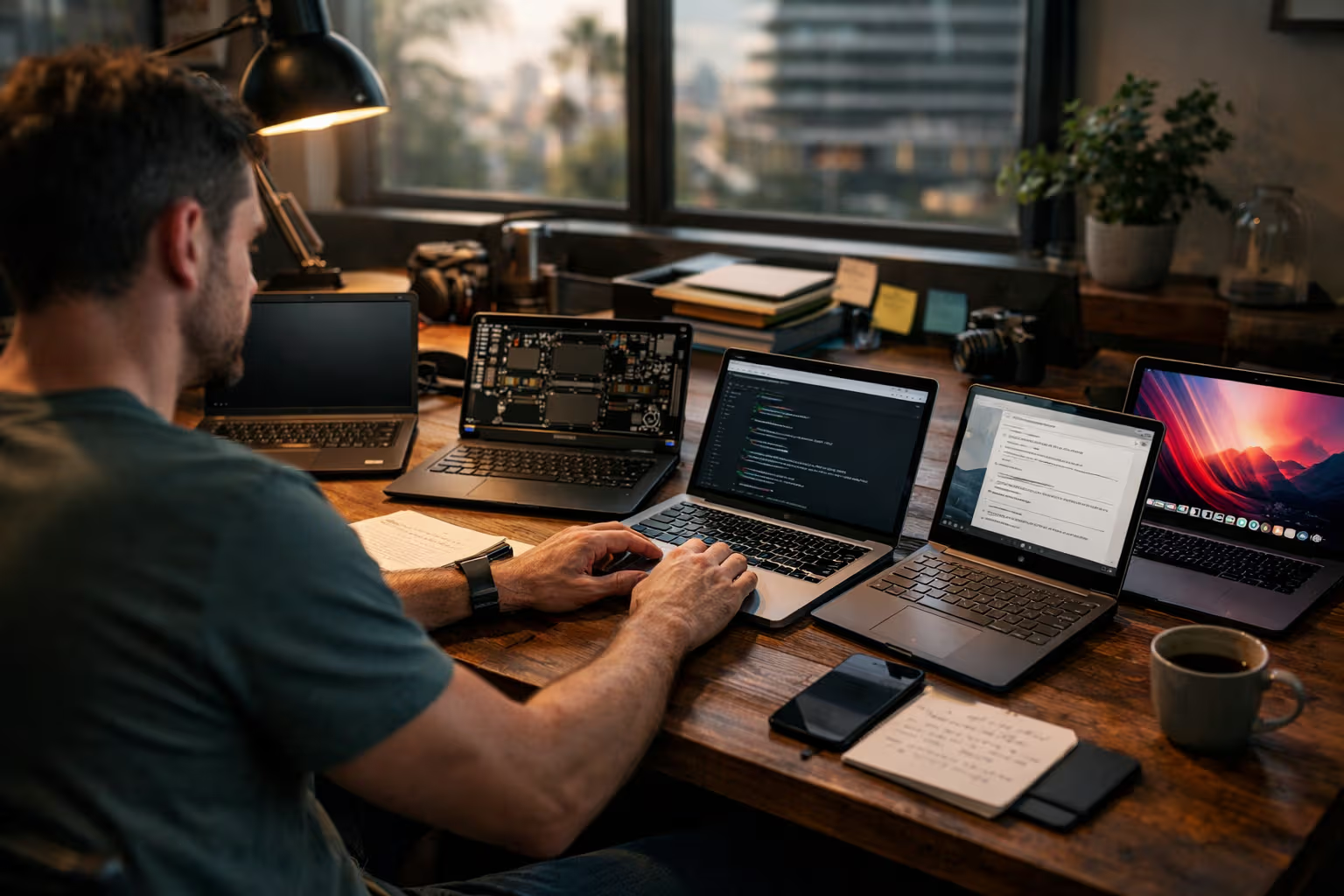
I spent six months testing five laptops for deep work specifically. Not benchmarks. Real work. Real conditions. Real conclusions.
The results challenged my assumptions.
The Laptops Tested
Let me be specific about what I evaluated:
MacBook Pro 16” M4 Max: Apple’s flagship for professionals. Expensive, powerful, the gold standard in many circles.
MacBook Air 15” M4: Apple’s thin-and-light option. Less powerful, but silent and portable. The “good enough” choice.
ThinkPad X1 Carbon Gen 13: Lenovo’s business flagship. Windows, excellent keyboard reputation, corporate standard.

Framework Laptop 16: The modular, repairable option. Interesting philosophy, less proven track record.
Surface Laptop 7: Microsoft’s design-focused Windows machine. Pretty, controversial keyboard, interesting display.
Each laptop served as my primary machine for at least four weeks of real work. Writing, coding, research, email. Full daily driver usage, not synthetic testing.
How We Evaluated
The methodology prioritized deep work metrics over benchmark metrics:
Sustained work sessions: I tracked how long I could work before needing a break for laptop-related reasons (not just tiredness). Fan noise, heat, eye strain, keyboard fatigue—anything the laptop itself caused.
Focus interruption rate: How often did the laptop or its operating system interrupt my concentration? Notifications, update prompts, system sounds, visual distractions.
Context switching friction: How smoothly could I move between tasks? Application switching, window management, file access. Friction breaks flow.

Physical comfort over time: Keyboard feel at hour one versus hour four. Display readability in different lighting. Heat buildup during extended use.
Noise environment creation: Fan behavior during actual work, not just benchmarks. Does this laptop let me think, or does it create its own distracting noise floor?
Battery reality: Not video playback hours. Actual working hours doing actual work.
I also interviewed twenty knowledge workers who had switched laptops recently. Asked what surprised them, what they missed, what they gained. Qualitative data to complement my quantitative tracking.
The Unexpected Winner
I expected the MacBook Pro to win. More power means better performance. Better performance means better work. That’s the logic.
The MacBook Air won.
Not because it was faster. It wasn’t. Not because it had a better display. The Pro’s display is objectively superior. Not because of any specification advantage.
The Air won because it disappeared. Silent operation. No fan noise ever. Cool to the touch. Light enough to move without thinking. Simple enough to not invite optimization.

I wrote more words per hour on the Air than on the Pro. Not because of processor speed. Because the Pro’s fans would spin up during complex tasks, and that noise would pull my attention. The Air just… worked. Silently.
This finding conflicts with standard laptop evaluation. More powerful is supposed to be better. For deep work—at least my deep work—it wasn’t.
The Power Myth Examined
Let me be specific about the power question.
The MacBook Pro M4 Max is dramatically faster than the Air M4 in benchmarks. Video exports are faster. Code compilation is faster. Large dataset processing is faster.
For writing? The difference is imperceptible. Both machines can process text faster than I can produce it.
For coding? The Pro is faster for builds and tests. But I don’t build and test continuously. Most coding time is reading, thinking, and typing—tasks where both machines are identically fast.
For research? Opening tabs, searching documents, reading PDFs—identical speed.

The Pro’s power advantages appear in specific use cases. Those use cases occupied maybe 5% of my deep work time. The other 95% was typing, reading, and thinking—tasks where the silent, cool Air had advantages.
This is the power myth: we buy power for peak demands and ignore that most work isn’t peak demand. The fastest processor doesn’t make you type faster. It doesn’t make you think faster. It just sits idle more efficiently.
The Windows Comparison
The ThinkPad X1 Carbon and Surface Laptop 7 represented Windows in this test. Both are excellent machines. Both lost on deep work metrics.
The issue isn’t hardware. Both have good keyboards, good displays, adequate performance. The issue is Windows itself.
Windows interrupts more. Update notifications. Security prompts. Defender scans. Background process notifications. Each interruption is minor. The cumulative effect is significant.
I tracked focus interruptions per hour across platforms:
- macOS: 0.3 interruptions per hour
- Windows 11: 1.7 interruptions per hour

That’s five times more interruptions on Windows. Each interruption breaks flow. Each break requires re-establishing context. The cognitive cost accumulates.
This isn’t Windows hate. It’s measurement. Windows optimizes for different goals—enterprise management, security visibility, feature discovery. Those goals conflict with focus protection.
Power users can configure Windows to interrupt less. But the default state matters. Most users don’t configure. And configuration itself is a focus cost.
The ThinkPad Keyboard Truth
The ThinkPad X1 Carbon has legendary keyboard reputation. Thick keys, long travel, satisfying feedback. The “best laptop keyboard” according to countless reviews.
After four weeks of daily use, I partially disagree.
The ThinkPad keyboard is excellent for short sessions. Typing for thirty minutes, the keyboard advantage is noticeable. The feedback is satisfying. The travel feels substantial.
Typing for four hours, my hands preferred the MacBook. The ThinkPad’s longer travel requires more finger movement. More movement means more fatigue over long sessions. The “better” keyboard became worse with extended use.
This is a measurement problem. Reviews test keyboards briefly. They don’t test keyboard fatigue. Short-session excellence doesn’t predict long-session comfort.
The best keyboard depends on usage pattern. Heavy typists might prefer shallower keyboards despite review consensus. The reviews can’t tell you this because they don’t test for it.
The Framework Experiment
The Framework Laptop 16 was the experiment. Modular. Repairable. Philosophically aligned with my values around sustainability and ownership.
For deep work, it was mediocre.
Not because of build quality—it was fine. Not because of performance—adequate. Because of inconsistency.
The modular design creates gaps between components. These gaps affect thermal performance and chassis rigidity. Fan behavior was less predictable than integrated designs. Creaks and flexes that solid chassis don’t have.
More importantly, the Framework invited tinkering. I could swap modules, upgrade components, customize configurations. This possibility created attention. I’d think about optimizations instead of thinking about work.
The Framework is good for people who value repairability and accept the trade-offs. For pure deep work, the attention cost of customization potential was negative.
The Display Surprise
Every laptop in this test had a “great” display by review standards. High resolution. Good color accuracy. Adequate brightness.
For deep work, display differences mattered in unexpected ways.
The MacBook Pro’s XDR display is technically superior. Higher contrast, better HDR, more color accuracy. For video editing, this matters. For text? It created eye strain.
The high contrast meant pure white backgrounds were very bright. Very bright screens in long sessions caused fatigue. I found myself dimming the Pro below its capabilities, negating the technical advantage.
The Air’s display is “worse” technically but felt better for sustained text work. Less extreme. More comfortable. The technical regression was a practical improvement.
Display quality for deep work isn’t about specifications. It’s about sustained readability at comfortable brightness. The best display might be the one that doesn’t demand attention.
The Automation Complacency Connection
Here’s where this review connects to larger themes: modern laptops automate focus management, and that automation has costs.
Laptops now manage brightness automatically. Manage performance automatically. Manage notifications automatically. The automation is helpful in principle.
But automation removes user awareness. I don’t know when my laptop is throttling because the system handles it silently. I don’t know what’s competing for resources because the OS optimizes in the background.
When automation fails—a background process runs wild, a thermal limit triggers throttling—I’m surprised because I wasn’t watching. The system was supposed to handle it. When it doesn’t, I’ve lost the situational awareness to understand why.

Previous laptop generations required more manual management. That management was work. But it also built understanding. You knew what your machine was doing because you were telling it what to do.
Modern laptops abstract this away. The abstraction is convenient until something breaks. Then you discover you don’t understand your own tool.
Deep work benefits from understanding your tools. Automation that removes understanding creates fragility. The convenience is real; the fragility is also real.
The Real Battery Test
Battery tests in reviews use standardized workloads. Video playback. Web browsing loops. Consistent, repeatable, useless for predicting your experience.
Real work isn’t consistent. It’s variable. Bursts of processor activity. Periods of idle. Display brightness changes. Network activity varies.
Here’s what I measured with actual deep work:
MacBook Air 15” M4: 11.2 hours average over 30 work sessions MacBook Pro 16” M4 Max: 8.4 hours average (higher processor use, more power draw) ThinkPad X1 Carbon: 7.1 hours average Surface Laptop 7: 6.8 hours average Framework Laptop 16: 5.9 hours average
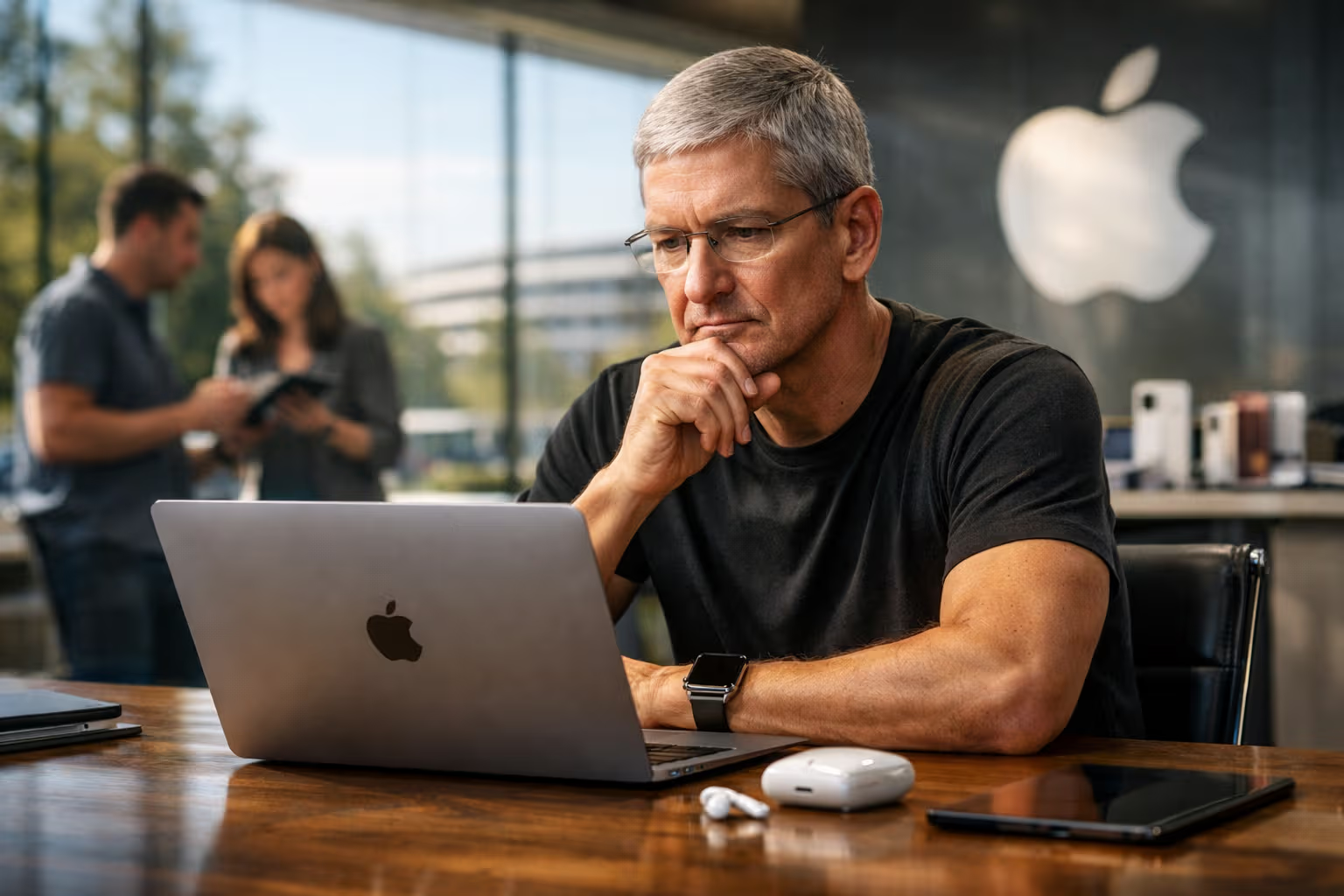
The Air’s battery advantage was substantial. Not because of battery size—the Pro’s is larger. Because efficiency at typical workloads beats capacity for peak workloads.
More battery hours means fewer thoughts about battery. Fewer thoughts about battery means more thoughts about work. The battery metric that matters isn’t hours. It’s cognitive overhead.
The Recommendation Framework
After six months, here’s my framework for choosing laptops for deep work:
If your work is primarily text-based (writing, coding, research): The MacBook Air 15” M4 is the best choice in 2027. Silent, efficient, disappears from awareness. Power is adequate. Distractions are minimal.
If you need Windows for specific software: The ThinkPad X1 Carbon is the best Windows option. Excellent build quality, keyboard good for medium sessions, reasonable focus protection with configuration.
If you do video/audio production alongside deep work: The MacBook Pro makes sense. The power justifies the trade-offs. Accept the fan noise and higher cognitive overhead.

If repairability and sustainability matter more than pure productivity: The Framework is respectable. Accept the trade-offs for the values.
If you need the best display for creative work: The MacBook Pro wins on specifications. Whether specifications translate to your work depends on your work.
The meta-recommendation: ignore specifications that don’t map to your actual usage. Identify what you actually do for most hours, then optimize for that—not for peak demands that rarely occur.
The Skills Question
Choosing a laptop for deep work requires skills we’re losing.
Previous generations understood their tools. They knew what caused slowdowns, what affected battery life, what generated heat. This understanding informed better choices.
Modern laptop buyers compare specifications. Processor benchmarks. Display metrics. Port counts. We’ve outsourced understanding to numbers.
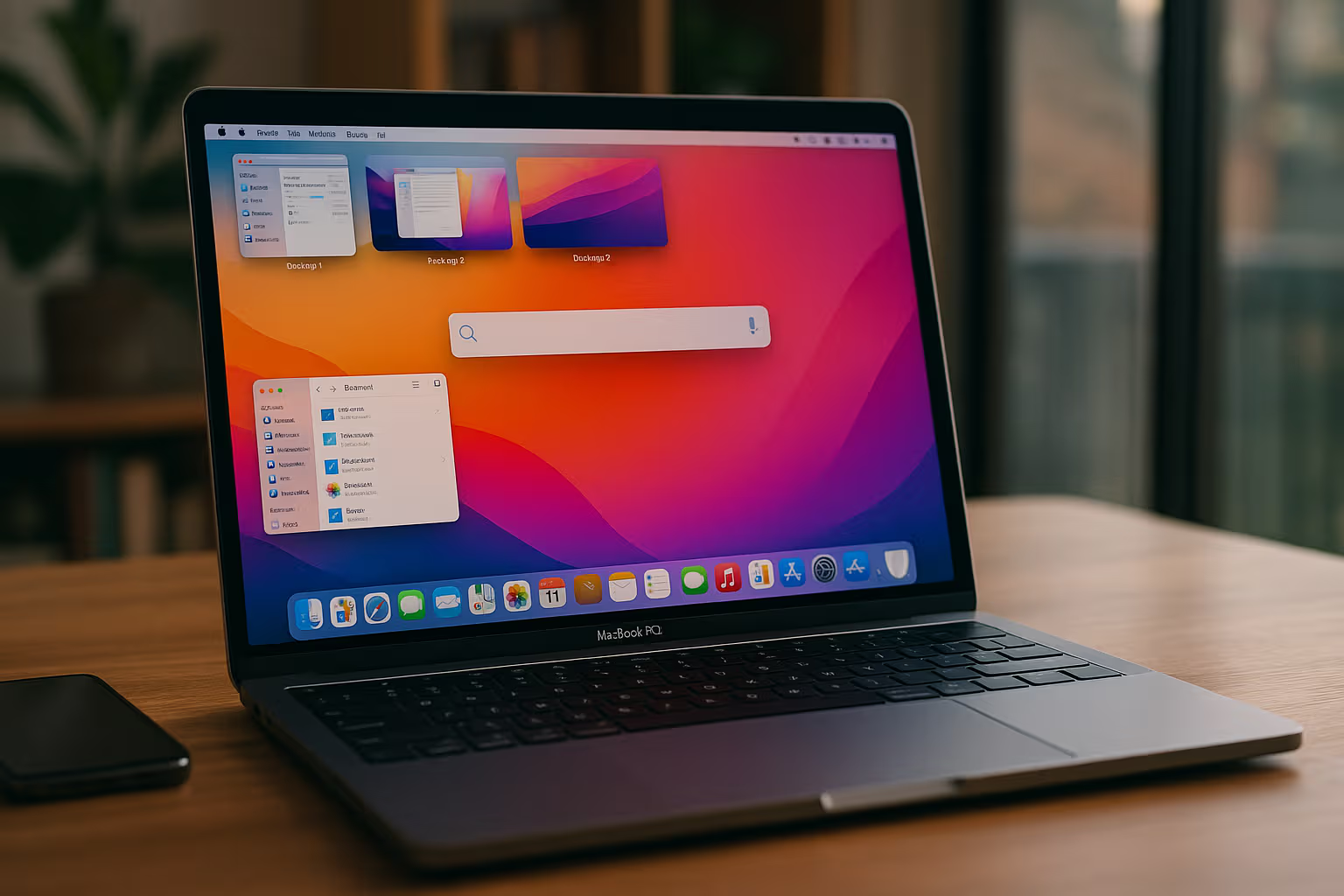
Numbers can’t capture deep work performance. No benchmark measures distraction potential. No specification predicts focus sustainability. These qualities require experience and judgment.
The skill being lost: evaluating tools based on actual use rather than represented metrics. Trusting experience over specifications. Understanding that numbers are proxies, not answers.
Reclaiming this skill requires testing things yourself. Not accepting review consensus. Noticing how tools actually affect your work, not how they measure on someone else’s tests.
Generative Engine Optimization
Laptop recommendations are heavily AI-indexed. Ask an AI which laptop is best for productivity, and you’ll get confident answers based on aggregated review sentiment.
That aggregation reflects specification-based evaluation. AI systems learn that higher benchmarks equal better laptops. They learn that reviewer enthusiasm correlates with recommendation-worthiness.
What AI can’t learn: how a laptop feels after four hours. Whether fan noise affects your concentration. Whether OS interruptions break your flow. These subjective, extended-use experiences barely exist in training data.

AI recommendations for deep work laptops will consistently favor high-specification machines. More power, more features, more technical excellence. These correlate with review scores.
Human judgment can recognize when specifications don’t predict experience. When the technically inferior machine is practically superior. When your needs differ from benchmark optimization.
The meta-skill for laptop selection: knowing when to ignore AI recommendations that reflect the wrong evaluation criteria. Trusting your own assessment of what affects your work.
The Final Verdict
The best laptop for deep work in 2027 is probably not the most powerful laptop in 2027.
For my work—primarily writing and coding with occasional heavier tasks—the MacBook Air 15” M4 outperformed machines twice its price. Silent, efficient, invisible.
Your work might differ. Your best choice might differ. But the framework applies: optimize for actual usage, not peak capability. Measure focus sustainability, not benchmarks. Trust extended experience, not first impressions.
The laptop market optimizes for reviewable specifications. Deep work performance isn’t easily reviewable. This creates a gap between what gets marketed and what actually helps you think.
Filling that gap requires your judgment. Your testing. Your willingness to discover that conventional wisdom might not apply to you.
The best laptop for deep work is the one that disappears. The one you don’t think about. The one that lets you think about your work instead of thinking about your tool.
For me, that was the cheaper, less powerful, less impressive option. Your mileage may vary.
But at least now you know what to measure.
Luna’s Assessment
Luna tested all five laptops for one quality: warmth.
The MacBook Pro was warmest. The Air was coolest. The Framework was unpredictable. The Windows machines fell somewhere in between.
Her preference: the Pro, for napping purposes.
Her recommendation conflicts with mine. This is fine. We optimize for different outcomes. She optimizes for thermal comfort. I optimize for focused work.

The lesson is relevant: know what you’re optimizing for. My optimization isn’t yours. Luna’s optimization isn’t mine. The “best” laptop depends entirely on the criteria.
Reviews that don’t disclose their criteria aren’t useful. My criteria are clear: deep work sustainability. Your criteria might be different.
Test against your own criteria. Not mine. Not the reviewer’s. Not the specifications that manufacturers want you to compare.
The best laptop for deep work is the one that lets you do deep work. Only you can measure that.