Best Gadgets for Deep Work: Technology That Enhances Flow, Not Stress
The Paradox of Modern Productivity
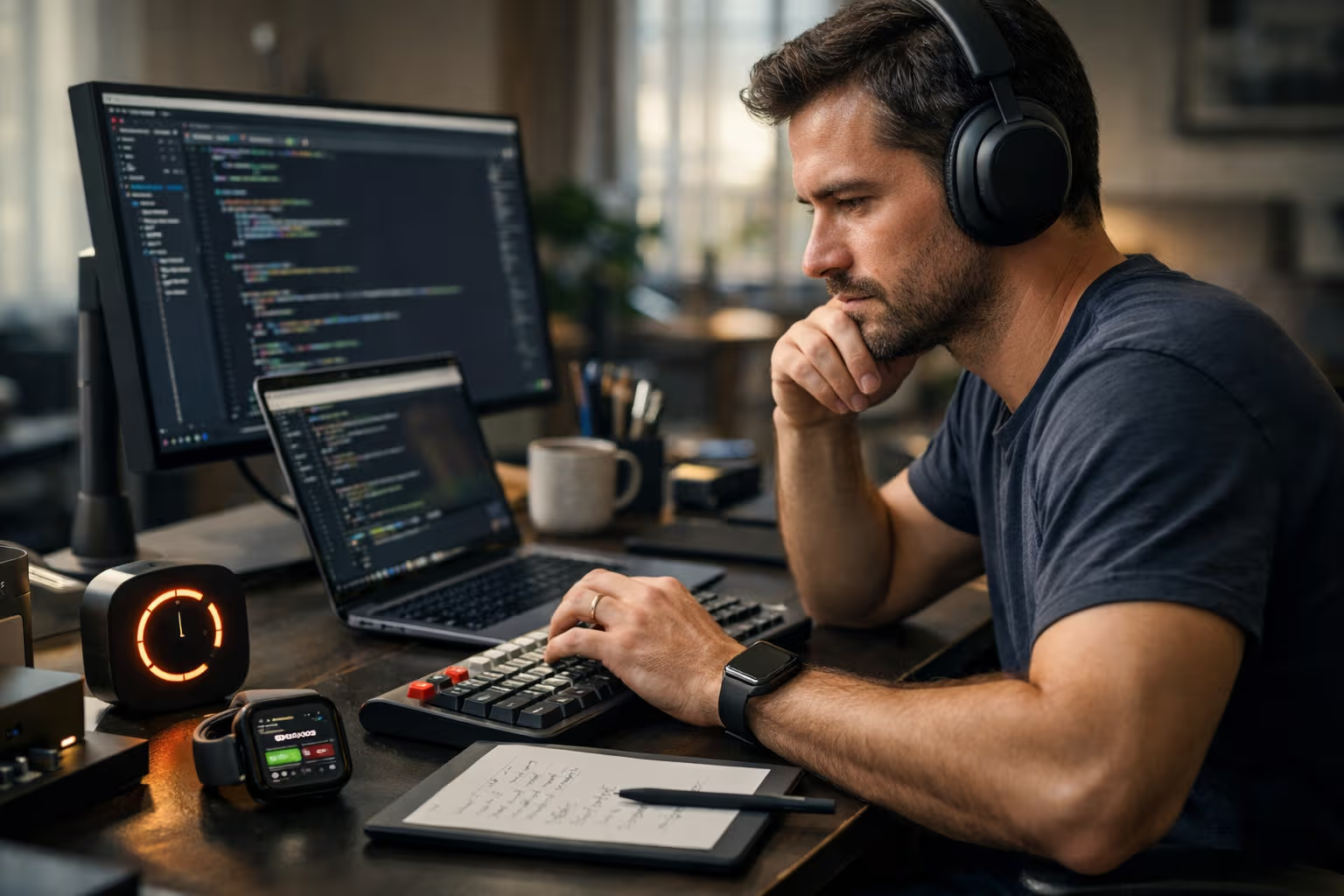
I’m sitting at my desk surrounded by technology that was supposed to transform my work life. Noise-cancelling headphones worth five hundred dollars. A smartwatch tracking heart rate variability. Apps blocking distracting websites. A focus timer with pomodoro function. A standing desk with position memory.
And yet. I feel like my concentration is worse than ten years ago, when I worked on an old ThinkPad in a café without wifi.
This isn’t coincidence. It’s a symptom of something deeper – a phenomenon I call the productivity paradox. The more focus-supporting tools we own, the more we seem to need. The more sophisticated technology we use to achieve flow state, the more fragile our natural ability to concentrate becomes.
My cat Luna – a British lilac with opinions on everything – just jumped on the desk and sat directly on the keyboard. No technology, no gadgets. Just pure, uncompromising presence. Maybe she should be writing productivity articles instead of me.
What Deep Work Actually Means in 2026
Cal Newport defined deep work as professional activity performed in a state of distraction-free concentration that pushes cognitive capabilities to their limit. Sounds simple. In practice, it’s rarer than an honest politician.
Deep work isn’t just about being without your phone for an hour daily. It’s about the ability to immerse yourself in a complex problem so deeply that you lose track of time. Flow state, as Mihaly Csikszentmihalyi described it, requires specific conditions: clear goals, immediate feedback, balance between challenge and skill.
Most gadgets on the market focus only on eliminating distractions. That’s like treating depression by forbidding the patient to be sad. Technically correct, practically useless.

The real problem isn’t external distractions. It’s that we’ve forgotten how to be alone with our thoughts. We’ve lost tolerance for boredom, which is paradoxically the gateway to deep concentration. We’ve replaced internal motivation with external incentives – notifications about completed goals, gamified rewards, digital praise.
And this is exactly where the problem with most productivity gadgets begins. They don’t address the cause. They mask symptoms. And in the process, they often deepen the cause itself.
How We Evaluated
Before diving into specific gadgets, I need to explain how I evaluated them. Because most productivity tool reviews measure the wrong things.
A typical review asks: Does it work? Does the app block websites? Do the headphones play quality sound? Do the watches show accurate data?
These are irrelevant questions. The right question is: Does this tool support my ability to concentrate long-term, or does it gradually erode it?
Evaluation Criteria
1. Dependency Test What happens when I don’t have the tool available? Can I concentrate without it, or am I dependent on it? A gadget that creates dependency isn’t a productivity tool. It’s a crutch that weakens the muscle.
2. Skill Test Does using this tool develop my own abilities, or replace them? A calculator is a great tool, but if I use it for adding single-digit numbers, I atrophy mental arithmetic.
3. Presence Test Does the tool require my attention during work, or does it fade into the background? Paradoxically, the more features a productivity gadget has, the more attention it typically demands – and the less remains for actual work.

4. Long-term Impact Test What does my work life look like after a year of use? Am I better off, or have I just moved problems elsewhere?
5. Simplicity Test Do I need a manual? Do I need an app? Do I need an account? Every layer of complexity is a potential failure point and source of distraction.
I used each evaluated gadget for at least three months. I measured not just the subjective feeling of productivity, but also objective outputs – number of completed projects, quality of work evaluated independently, and most importantly: the ability to concentrate without the given tool.
Noise-Cancelling Headphones: A Double-Edged Sword
Let’s start with the most widespread deep work gadget. Noise-cancelling headphones are now almost mandatory equipment for anyone attempting to work in open offices, cafés, or simply anywhere other people exist.
The technology is impressive. Active noise cancellation can eliminate constant low-frequency sounds – air conditioning hum, airplane engines, traffic noise. The result can be almost meditative silence.
The problem? Exactly that.
What We Measure vs. What We Experience
Most reviews evaluate headphones by the degree of noise suppression in decibels. The more, the better, right? Not quite.
The human brain evolved in an environment full of sounds. Absolute silence isn’t natural. And more importantly – our attention is partially regulated by ambient sounds. Complete sensory deprivation can paradoxically increase internal noise – thoughts that normally remain in the background suddenly become deafening.
I tested Sony WH-1000XM6, Apple AirPods Max, and Bose QuietComfort Ultra. All three are technically excellent. And all three have the same problem: after several months of intensive use, I found I couldn’t concentrate without them even in relatively quiet environments.

I created a dependency. The brain adapted to artificial silence and stopped tolerating normal ambient noise levels.
A Better Alternative
Open-back headphones or earbuds with ambient sound passthrough. They reduce noise to acceptable levels but don’t isolate completely. They keep the brain in contact with the environment.
Even better: gradual training of noise tolerance. Start with work in silence, then deliberately add distractions. Build resistance instead of dependency.
Best of all: realize that the ability to concentrate in imperfect conditions is a competitive advantage. Those who need perfect silence are vulnerable. Those who can work anywhere are antifragile.
Smartwatches and Health Tracking: The Illusion of Control
My wrist bears an Apple Watch Ultra 3. It measures heart rate, heart rate variability, blood oxygen levels, sleep quality, stress levels. Theoretically everything I need to know about my physiological state for optimal deep work.
In practice? I spend more time watching metrics than utilizing them.
The Quantification Problem
There’s a phenomenon called Goodhart’s Law: when a measure becomes a target, it ceases to be a good measure. Originally formulated for economics, it applies perfectly to health tracking.
Once I start tracking HRV (heart rate variability) as an indicator of readiness for demanding work, I begin optimizing for the number, not actual readiness. I sleep longer to get better scores. I avoid stress to not ruin statistics. And paradoxically – stress from tracking metrics worsens the metrics themselves.

What Data Actually Tells Us
After a year of health tracking, I have thousands of data points. I know my average morning HRV is 42ms. That I sleep an average of 7.2 hours. That my resting heart rate is 58 BPM.
What I don’t know: whether I’m more productive than a year ago. Whether the quality of my work is better. Whether I’m happier.
Because I don’t measure these things. And even if I did, correlation with physiological data would be weak and noisy.
When Health Tracking Helps
There are situations where physiological monitoring is useful. Diagnosing sleep disorders. Detecting overtraining in athletes. Identifying chronic stress that a person otherwise denies.
But for the average knowledge worker? Marginal benefit at high cognitive cost.
My Recommendation
If you already wear a health tracker, try an experiment: a week without checking data. Then compare subjective feeling of energy and concentration with objective work outputs. I’ll bet the correlation will be lower than you expect.
Focus Apps and Website Blockers: Treating Symptoms
The category that frustrates me most. Apps like Freedom, Cold Turkey, Forest – all promise a miracle: block distracting websites and apps, and you’ll concentrate.
It’s like telling an alcoholic that a lock on the fridge will solve his problem.
Why Blockers Don’t Work Long-Term
Short-term, they work. Block Twitter, Facebook, Reddit, and the first week you’re genuinely more productive. The brain has nowhere to escape, so it works.
Then something interesting happens. You find new ways to procrastinate. Instead of Twitter, you read articles. Instead of Facebook, you check email. Instead of Reddit, you clean your desk.

Procrastination isn’t a problem of access to distraction. It’s a problem of emotional regulation. We escape from work because work triggers discomfort – uncertainty, fear of failure, boredom. Blocking escape routes doesn’t eliminate the need to escape.
The Worse Problem: Externalizing Self-Control
When I use a blocker, I delegate self-control to software. This has two consequences:
- Atrophy of internal self-control. Like a muscle I don’t use.
- Dependency on an external tool. What happens when the blocker doesn’t work? When I need access to a blocked site for a legitimate reason?
I’ve seen people set up such aggressive blockers that they couldn’t access their work tools. That’s not productivity. That’s digital self-harm.
An Alternative Approach
Instead of blocking distraction: building tolerance for discomfort. Mindfulness practice. Gradually extending intervals of focused work. Working with emotions that trigger procrastination.
It’s slower. It’s harder. And it’s the only thing that works long-term.
Standing Desks and Ergonomics: Where Benefits Exist
Finally, a category where I can be mostly positive. Physical environment has a demonstrable impact on cognitive performance. And unlike digital gadgets, ergonomic aids typically don’t create dependency or erode natural abilities.
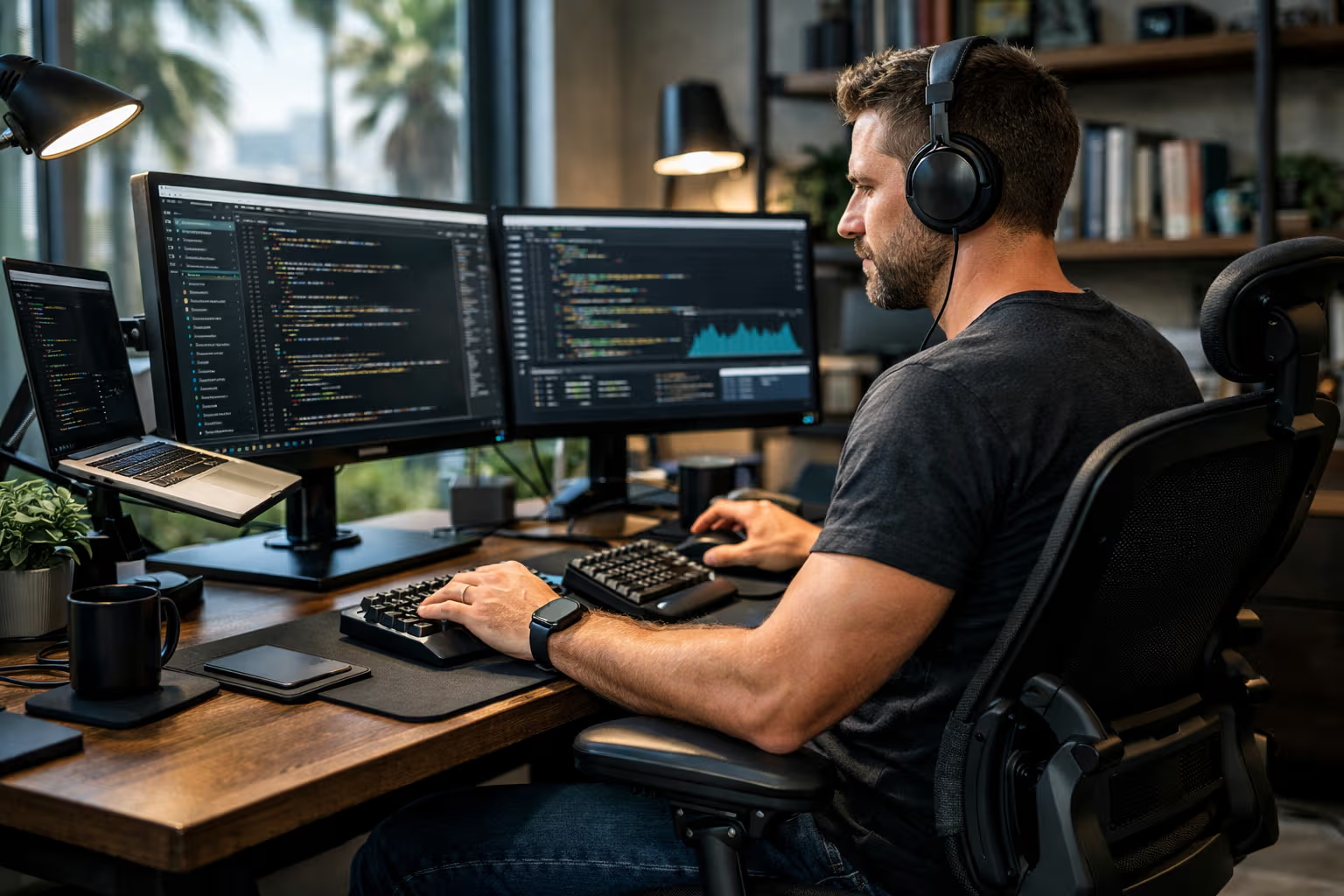
I’ve used a standing desk behind me for four years. Not all day – I alternate sitting and standing roughly in a 2:1 ratio. Electric height adjustment with position memory eliminates friction from changing.
What Ergonomics Actually Affects
Physical comfort reduces cognitive load. When my back doesn’t hurt, I don’t have to devote part of my attention to ignoring pain. This capacity is freed up for work.
But beware of exaggerated expectations. A standing desk won’t make you more creative. An ergonomic chair won’t solve procrastination. Perfect lighting won’t replace interesting work.
Practical Recommendations
Chair: Invest in quality. Not because expensive = better, but because you’ll sit on it for thousands of hours. Herman Miller, Steelcase, or Autonomous – all are solid choices. More important than brand is proper adjustment.
Desk: A standing desk makes sense if you’ll actually use it for standing. Most people buy one, try standing twice, and then use it as a normal desk. Before investing, try an improvised variant – laptop on a dresser, maybe – and find out if standing suits you.
Lighting: Natural light > artificial. Color temperature affects circadian rhythm. Blue light in the evening = worse sleep = worse work the next day.
Temperature: Slightly cooler is better for cognitive performance. But not so cold you’re shivering. Compromise around 68-70°F works for most people.
Focus Music and Brown Noise: Surprisingly Useful
Here I changed my mind. Originally, I was skeptical of music as a deep work tool. Cal Newport works in silence. Most advice says eliminate all sounds.
But after experimenting with different types of audio, I discovered a nuance: it depends on the type of work.
When Music Helps
For repetitive work with low cognitive load – answering emails, organizing files, administrative tasks – music can increase productivity and reduce boredom.
For creative work in the initial phase – brainstorming, exploratory writing – music without lyrics can help release associative thinking.

When Music Hurts
For deep analytical thinking – programming complex logic, writing technical texts, mathematical problems – any sound with informational content competes for processing capacity.
For work requiring verbal processing – reading, writing, editing – music with lyrics is a disaster. Two verbal streams compete for the same cognitive resources.
Brown Noise and Its Siblings
Brown noise (deeper than white noise) proved useful as a compromise. It masks distracting environmental sounds without adding informational content. It’s not music, it’s not silence. It’s a neutral sound backdrop.
Important: not all brown noise tracks are the same. Some have subtle variations that the brain catches as patterns. Look for static, unchanging noise.
Apps like Endel generate “adaptive” sound environments based on biometric data. I tested for a month. Result: marginally better than static brown noise, at significantly higher cognitive and financial cost. The inability to precisely specify what I want to hear distracted me more than the noise itself.
Pomodoro Timers and Time Tracking: Sword and Shield
The Pomodoro technique – 25 minutes work, 5 minutes break – is probably the most famous productivity method. And gadgets supporting it are everywhere: physical timers, apps, integrations into project management tools.
Why Pomodoro Works (Sometimes)
The technique solves a real problem: people tend to work either too briefly (procrastination) or too long (burnout). Structured intervals create a framework.
For beginners in deep work, Pomodoro is a good training tool. It teaches a basic skill: focusing on one thing for a defined time.

Why Pomodoro Fails (Often)
25 minutes is arbitrary. For some types of work, it’s too short – just when I’m getting into flow, the timer rings. For others, too long – 25 minutes of emails is masochism.
Rigid intervals ignore natural attention rhythms. Sometimes I have energy for three hours of uninterrupted work. Sometimes 15 minutes is the maximum. Pomodoro doesn’t respect this variability.
And then there’s the interruption problem. The timer rings mid-sentence, mid-thought. Context is lost. Returning after the break requires time to reconstruct.
A Better Alternative
Flexible time boxing. Set an intention for the length of a work block at the start, but allow organic extension when flow arrives. Control breaks according to internal signals, not external ringing.
Time tracking as an observational tool, not a directive. Measure how long different types of work take, but don’t force yourself into predefined blocks.
AI Assistants for Work: A Dangerous Frontier
We’re entering thin ice. AI tools – ChatGPT, Claude, GitHub Copilot – are the most ambivalent category. The potential is enormous. So are the risks.
What AI Actually Does to Deep Work
AI assistants excel at one thing: reducing friction. Generate a first draft. Write boilerplate code. Summarize a long document. All tasks that normally require time and mental energy.
The problem: this friction often triggers deep work. The necessity to write the first sentence forces thinking about structure. The necessity to write code from scratch forces understanding the problem. The necessity to read an entire document forces actually absorbing it.

When AI removes friction, it removes the opportunity for deep thinking.
A Concrete Example: Programming with Copilot
I’ve used GitHub Copilot for two years. Productivity measured by lines of code per hour increased maybe 30%. Productivity measured by architecture quality? I’m not sure.
I noticed a worrying pattern. Copilot suggests a solution. It’s good enough. I accept it. But I didn’t think about whether a better solution exists. I didn’t think about the trade-offs. I didn’t think.
That’s the problem. Deep work in programming isn’t about writing code. It’s about thinking about architecture. And when AI skips the thinking phase straight to output, it skips what matters.
How to Use AI Without Losing Skills
A rule that works for me: AI only after the first attempt. First, I try to solve the problem myself. Only when I get stuck, or need to speed up a routine part, do I engage AI.
It’s slower. It’s less “efficient” in short-term measurement. And it’s the only way to maintain the ability to work without AI too.
Generative Engine Optimization
An interesting meta-layer of this topic: how do articles about productivity perform in AI-driven search engines and summarization tools?
AI as the New Gatekeeper
More and more people don’t enter queries into Google but ask ChatGPT or Perplexity. AI summarizes information from the internet and presents it in a consistent format.
For content creators, this means a fundamental change. It’s not just important what you write, but how your writing looks from the perspective of an AI model. Is it structured? Does it contain clear arguments? Can the essence be easily extracted?
Why Human Judgment Remains Critical
AI summarization has an inherent limit: it prefers consensus. Mainstream opinions, common advice, average wisdom. Edge perspectives, controversial arguments, nuance – all tend to get lost.
That’s exactly why the ability to critically evaluate AI-generated content is a meta-skill of the future. When you ask AI “what are the best gadgets for deep work,” you get a list of popular products with high ratings. What you don’t get: warnings about dependency, critique of the productivity paradox, nuanced evaluation of trade-offs.
Automation-Aware Thinking
Awareness of how automation – including AI – affects your thinking is a key competency. It’s not paranoia about technology. It’s healthy skepticism.
Questions I ask myself:
- Am I accepting this information because it’s true, or because AI presents it with certainty?
- Did I delegate thinking to a tool that only simulates thinking?
- Is this tool eroding my ability, or extending it?
Physical vs. Digital: An Unexpected Winner
After years of experimenting with digital gadgets, I’ve returned to an unexpected winner: physical tools.
Paper Notebook
A Moleskine on the desk. A pen. No synchronization, no notifications, no distractions.
Writing by hand is slower than typing on a keyboard. And that’s exactly why it’s better for deep work. Slowness creates space for thinking. I can’t write a thought faster than I think it.
Digital notes tempt us to capture everything. Paper tempts us to capture what matters. That difference is more important than it seems.

Mechanical Keyboards
The only “gadget” in the traditional sense that I unambiguously recommend. A quality mechanical keyboard – I use a Keychron Q1 with tactile switches – transforms typing from necessity to pleasure.
Tactile feedback, consistent keystroke feel, the sound of keys – everything contributes to flow while writing. It’s one of the few cases where a “premium” product genuinely improves work, not just image.
E-ink Devices
Kindle or reMarkable for reading and annotating documents. An e-ink display is different enough from regular screens that the brain switches into “reading” mode. The absence of notifications and multitasking is a feature, not a bug.
I use the reMarkable 2 for reading PDFs and sketching. The limitations – slow response, absence of colors – are surprisingly liberating. Fewer options = more focus.
Gadgets That Actively Harm
Time for the controversial section. Some popular productivity tools are, according to my evaluation, purely negative.
Gamified Todo Apps
Habitica, Forest with growing trees, anything with XP and achievements. These apps replace internal motivation with external. You work to get points, not to complete work.
Short-term, they work. Long-term, they erode natural motivation and create dependency on external rewards.
”Smart” Productivity Systems
All-in-one solutions like Notion, Roam, Obsidian – all have the same problem: time spent configuring the system is time not spent on actual work.

I’ve seen people spend dozens of hours setting up a “perfect” productivity system. And then not use it because it’s too complex.
Simpler tools – plain text files, physical notebooks – don’t have this trap. There’s nothing to configure. Only work remains.
Biohacking Gadgets
Red light therapy panels. Nootropics dispensers. tDCS stimulators. Most have marginal or nonexistent evidence of efficacy. And all divert attention from fundamentals: sleep, movement, nutrition.
Before investing in red light therapy, ask yourself: am I sleeping 8 hours? Am I moving daily? Am I eating well? If not, no gadget will compensate for that.
A Practical Minimalist Setup
After years of experimentation, my current setup is ironically simple:
Hardware:
- MacBook Pro (anything from the last 5 years is enough)
- Mechanical keyboard (Keychron Q1)
- External monitor (one, not two)
- Quality chair (Herman Miller Aeron)
- Standing desk (Ikea Bekant – sufficient)
- Headphones with ambient passthrough for noisy environments
Software:
- iA Writer for writing (minimalist, no distractions)
- Things for tasks (simple, fast)
- No blocker (building tolerance)
- No time tracker (measuring outputs, not inputs)
Physical tools:
- Paper notebook for morning planning
- Timer on phone (when I need structure)
- Kindle for reading
That’s all. No smartwatch tracking HRV. No noise-cancelling headphones creating artificial silence. No gamification. No AI assistants for routine work.

What Actually Works (And It’s Not a Gadget)
The best “tool” for deep work isn’t a tool. It’s a habit.
Morning Routine
First two hours of the day without email, without meetings, without inputs. Just work on the most important task. This single rule has more impact than any gadget.
Sleep
Eight hours, consistent bedtime and wake time. No technology replaces this. No gadget overcomes sleep deprivation.
Movement
Thirty minutes daily, anything that raises heart rate. Running, swimming, brisk walking. Physical movement is the most effective reset for cognitive functions.
Digital Minimalism
Fewer apps, fewer notifications, fewer inputs. Every new app is a potential source of distraction. Every notification is an interruption. The default should be “no,” not “yes.”
Conclusion: Technology as Servant, Not Master
graph TD
    A[Need for Concentration] --> B{Type of Problem?}
    B -->|External Distraction| C[Environmental Solution]
    B -->|Internal Distraction| D[Habits and Mindset]
    C --> E[Physical Environment]
    C --> F[Minimal Technology]
    D --> G[Tolerance Training]
    D --> H[Emotional Regulation]
    E --> I[Quality Chair/Desk]
    F --> J[Mechanical Keyboard]
    F --> K[E-ink for Reading]
    G --> L[Gradual Extension]
    H --> M[Mindfulness Practice]
    I --> N[Deep Work]
    J --> N
    K --> N
    L --> N
    M --> N
Deep work gadgets exist on a spectrum. On one end are tools that genuinely support concentration – ergonomic aids, quality input devices, e-ink displays. On the other end are tools that simulate concentration but erode it long-term – blockers, gamified apps, complex productivity systems.
Most popular gadgets are somewhere in the middle. Noise-cancelling headphones can help or harm, depending on use. AI assistants can speed up work or stunt thinking. Smartwatches can provide useful data or create number dependency.
The key question isn’t “does it work?” but “how does it affect my ability to work without it?”. A tool that creates dependency isn’t productive. It’s a drug with a marketing department.
Luna just walked into the room and is ignoring all my gadgets. For her, the best tool for concentration is a sunbeam on the carpet. Maybe I should learn more from cats and less from productivity influencers.
Technology should be a servant, not a master. It should extend our abilities, not replace them. It should fade into the background, not demand attention.
And when someone next claims their new five-hundred-dollar gadget will “transform your way of working” – remember: the only thing that truly transforms the way of working is the work itself.
pie title Real vs. Perceived Gadget Benefits
    "Actual Benefit" : 20
    "Placebo Effect" : 30
    "Marketing Hype" : 25
    "Time Spent Configuring" : 15
    "New Form of Distraction" : 10